How to Free Up Storage on Android Without Deleting Photos or Apps (2026 Guide)
Phone says storage is full? Recover 15 GB or more on any Android phone without losing a single photo or app – using only the free tools already on your phone.
Your friend’s phone got the new Android update a week ago. Yours? Still “up to date” on the old build, no matter how many times you mash the check button. … Read more: How to Install OTA updates manually (Fastest Way)
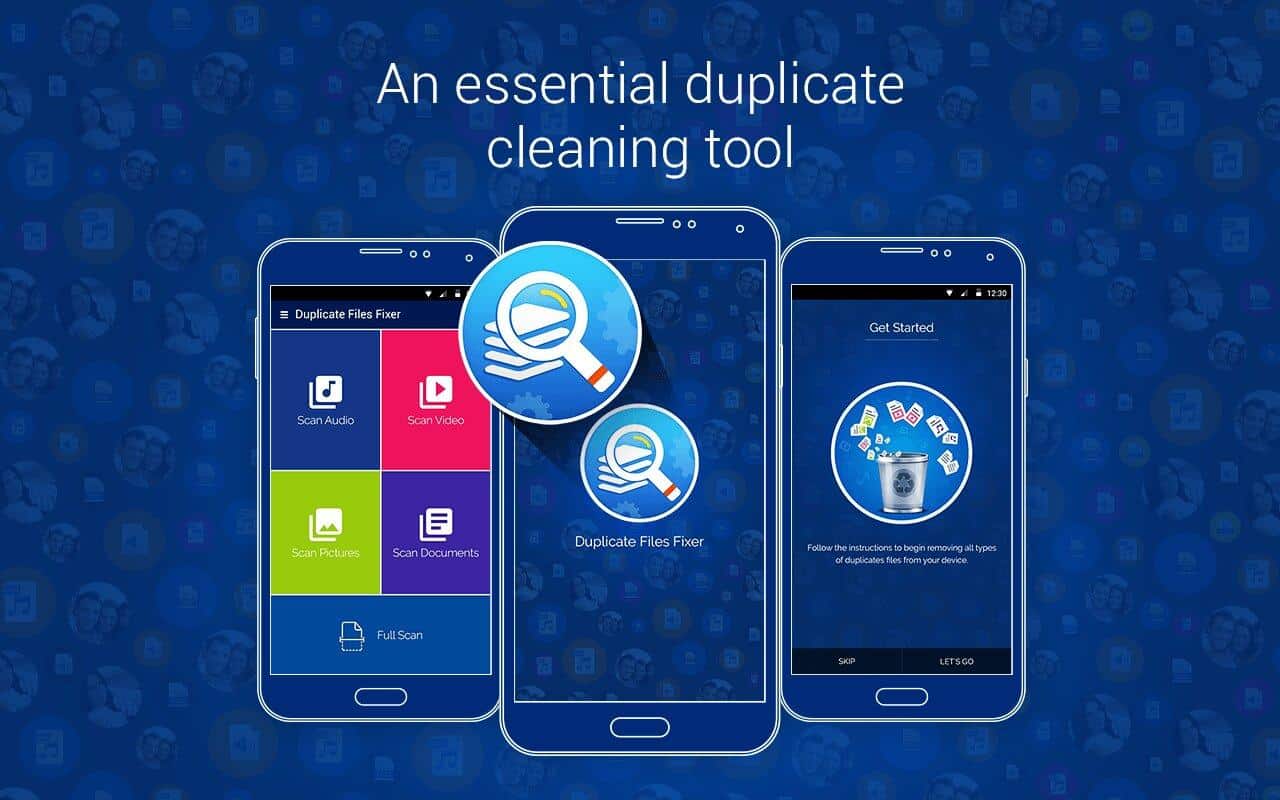
Duplicate files are the quietest storage thieves on Android. A photo saved twice, a WhatsApp image that also landed in your camera roll, the same PDF downloaded three times: none … Read more: How to Find and Delete Duplicate Files on Android (No Extra Apps Needed)
If you searched for a way to root your Android phone without a computer, here’s the honest answer you won’t find on most download sites: in 2026, there is no … Read more: Root Android Without a PC in 2026? The Honest Truth (It Died)
Your phone was fine last month. Now it’s begging for a charger by lunchtime, and you haven’t changed a thing about how you use it. Sound familiar? Battery drain is … Read more: Android Battery Draining Fast? 12 Fixes That Actually Work (2026)