
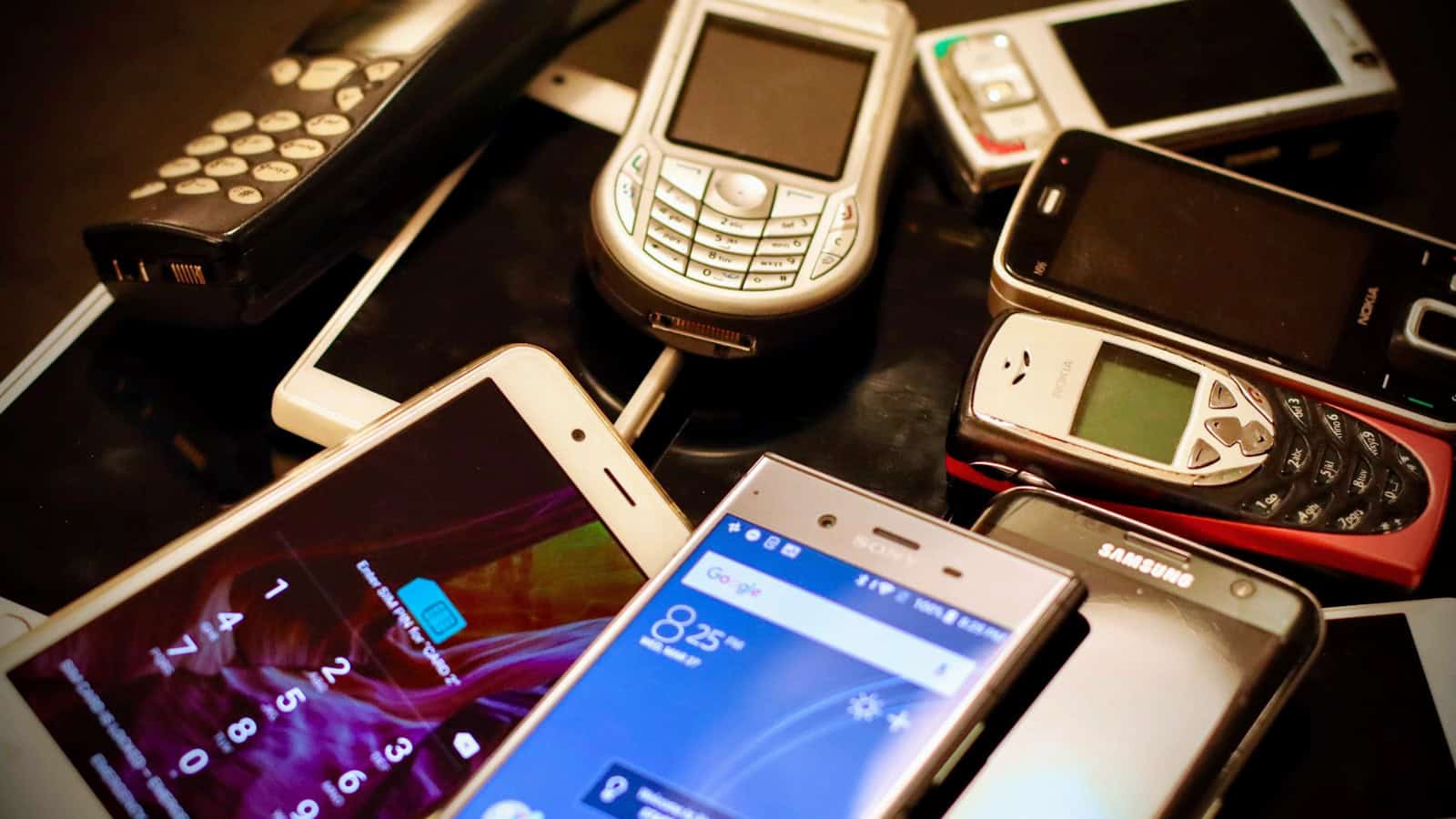
You buy a phone, you use it for a couple of years, and then one day you notice the update notifications have stopped. No new Android version. No monthly security patch. Nothing. The phone still works fine, so how long do Android phones actually get updates for, and what changed?
Quite a lot, as it turns out. Update support is one of the most under-discussed specs on a spec sheet, and it quietly decides how long your phone stays genuinely safe to use.
The quick answer: Android phones get two different kinds of updates, and they matter differently. Platform updates bump you to a new Android version and bring features. Security updates patch holes that attackers can exploit, and these are the ones you actually can’t live without. Support windows vary enormously by brand and by price tier: flagship models from the biggest manufacturers now come with multi-year commitments that stretch well past the typical ownership period, while cheap budget handsets from smaller brands sometimes get one platform bump and a thin trickle of patches. There’s no universal number. Before you buy, look up the specific model’s stated support policy on the maker’s own site, not a review’s summary. When updates end, the phone doesn’t die, but it stops being a good place to keep your banking app.
Platform updates vs security updates: know the difference
People use “updates” as one word, but there are two separate pipelines and they end at different times.
A platform update (sometimes called an OS update or version update) moves you from one major Android release to the next. New UI bits, new permissions model, new APIs, occasionally a big feature everyone talks about for a week. These are the ones with names and numbers, and they’re the ones marketing cares about.
A security update is a patch bundle. Google publishes a monthly Android Security Bulletin listing vulnerabilities found in the OS and in chipset firmware. Manufacturers then merge those fixes into their own builds and ship them. Your phone’s Settings screen shows a “security patch level” as a date. That date tells you which bulletin you’re current with.
Here’s the part most people miss: security updates usually outlast platform updates. A phone can stop getting new Android versions while still receiving patches for another year or two. That’s not a bug, it’s how most policies are structured. And for actual safety, the patch stream matters more than the version number.
Why the patch level is the number to check
Open Settings, search for “security update” or “Android version”, and you’ll find the security patch level. If that date is more than three or four months in the past and you’re on a phone that’s supposed to still be supported, something’s stuck. A carrier holding a rollout, a staged release that hasn’t reached you, or a phone that quietly fell off the list.
If it’s a year or more behind, your phone is out of support. That’s the real signal, not whether you’re running the newest Android version.
How long does support actually last?
This is where honest advice beats a tidy number. Support windows differ by brand, by model, by region, and sometimes by carrier, and policies have been changing fast in recent years, generally in the buyer’s favour.
The broad shape of the landscape:
- Flagships from major manufacturers now carry the longest commitments. Several of the biggest brands have publicly extended their promises significantly, to the point where support can outlast the battery.
- Mid-range phones from those same brands typically get a shorter but still respectable window: often a couple of platform updates plus a longer security tail.
- Budget phones, especially from smaller or regional brands, are the weak spot. Some are supported properly. Others get one update and then silence, with no published policy at all.
Notice what I’m not doing: giving you exact year counts per brand. That’s deliberate. Those numbers have changed repeatedly, they differ between a brand’s flagship and its entry-level line, and a stale number in an article is worse than no number. Check the specific model on the manufacturer’s own support page before you buy. Most major brands now publish a list. If a brand doesn’t publish one at all, treat that as the answer.
Where the support clock starts
One trap that catches people: the countdown usually starts at the model’s launch, not at your purchase. Buy a phone eighteen months after release because it’s discounted, and you’ve already burned eighteen months of its support life.
This is the single biggest reason a “great deal” on last-generation hardware sometimes isn’t. The discount is real, but so is the shortened runway. Work out roughly when the model launched, subtract, and see what’s actually left.
What happens when updates stop
Nothing dramatic. Your phone doesn’t brick, apps keep working, and for a while you won’t notice a thing. The risk builds slowly.
Unpatched vulnerabilities stay unpatched forever. Every new bulletin published after your cutoff is a list of known problems your phone has and will never lose. Attackers read those bulletins too. That’s the uncomfortable bit. A vulnerability being public is exactly what makes it usable.
Apps start dropping you. Google Play services keeps a fairly long compatibility tail, so this takes a while, but eventually app developers raise their minimum Android version. Banking apps tend to be strictest: some refuse to run on old or heavily-out-of-date builds entirely.
Browsers are a partial rescue. Chrome and other browsers update through the Play Store independently of the OS, so your main window onto the internet stays reasonably current for longer than the OS does. That helps. It doesn’t fix OS-level or firmware-level holes.
Web standards drift. Sites gradually start looking odd or breaking on very old rendering engines.
Is an out-of-support phone safe to keep using?
Depends entirely on what you do with it. As a media player, a music device, an alarm clock, a kid’s game machine on Wi-Fi, a dashcam, a smart-home controller: perfectly fine, and honestly a better fate than a drawer. Wipe it, sign in with a throwaway account, install only what it needs.
As your daily phone holding your email, banking, photos and two-factor codes? That’s where I’d draw the line. Not because it’ll definitely be attacked, but because the downside is your entire digital life and the upside is saving a few months before an upgrade you’re going to make anyway.
How to check what your phone is entitled to
Three quick checks, in order:
- Find your exact model number. Settings, then About phone. Not the marketing name. The model code. Support policies often differ between regional variants of the same phone.
- Look up the manufacturer’s official update policy page for that model. Search the model number plus “software support” or “update policy”. Use the maker’s own domain.
- Check your current security patch level in Settings and compare it to today’s date. A gap of a few months can be normal for staged rollouts. A gap of a year means you’re done.
If your phone’s stuck on an old patch level but should still be supported, try the obvious things first: check for updates manually, get on Wi-Fi with decent charge, make sure you have free storage. Updates genuinely do fail to install when storage is tight, and if that’s your situation, there are ways to free up storage on Android without deleting anything you care about.
How to buy for a long support life
If longevity is what you want, a few principles hold up regardless of what’s on shelves this year:
Buy near the start of a model’s life. A phone bought in its first few months gives you the full window. Buying at the tail end of a generation trades support runway for price.
Prefer brands that publish a policy. A written, model-specific commitment on the manufacturer’s site is a promise you can point at. “This brand is usually good about updates” is a rumour.
Weigh the security tail, not just version count. “Three OS upgrades” sounds better than “five years of security patches” but the second is doing more work for your actual safety.
Be careful with carrier-branded models. Carrier variants sometimes lag the unlocked version by weeks or months because the carrier tests the build first. Same phone, slower patches.
Remember the battery is a separate clock. A phone can be supported for years and still need a battery replacement partway through. If you’re planning a long hold, factor in one battery service. And keep an eye on heat over the phone’s life, since a phone that runs hot ages faster in every way. Our guide on why phones overheat and how to cool them down covers the practical fixes.
Frequently asked questions
How long do Android phones get security updates?
It varies a lot. Flagship models from major manufacturers now come with long, publicly stated commitments that often outlive the phone’s battery, while inexpensive handsets from smaller brands can get very little. There is no single Android-wide number because each manufacturer sets its own policy per model. Look up your exact model on the maker’s official support page, if they don’t publish a policy for it, assume the support is short.
Do security updates matter more than Android version updates?
For safety, yes. Version updates bring features; security updates close known holes that attackers can use. A phone running an older Android version with a current security patch level is in far better shape than one running a newer version that stopped receiving patches. Check the patch level date in Settings. That’s the number that tracks your actual exposure.
Can I keep using a phone after updates stop?
Yes, and lots of people do. It just shouldn’t be the device holding your banking, email, and two-factor codes. Repurposed as a music player, a spare Wi-Fi device, a smart-home remote or a kid’s game machine, an unsupported phone is genuinely useful for years. Factory reset it, install only what it needs, and don’t sign it into your main accounts.
Why hasn’t my phone got an update everyone else already has?
Usually a staged rollout: manufacturers release in waves by region and batch, so identical phones can be weeks apart. Carrier-branded models often lag unlocked ones because the carrier tests the build first. Also check the boring stuff: enough free storage, a decent charge, and Wi-Fi. If it’s been many months and your model should still be supported, try checking manually in Settings, and consider whether your regional variant is on a different schedule.
The bottom line
Update support is a spec, and it deserves the same attention you give the camera or the screen. It’s just harder to see, because it isn’t a number on the box.
Before you buy, do the one-minute check: find the model’s official support policy, work out when it launched, and subtract. That tells you how much life you’re actually buying, not how much the marketing implies. And once you own it, glance at the security patch level a couple of times a year. It’s the closest thing your phone has to an expiry date, and unlike most specs, it’s the one that decides whether the device stays trustworthy: not just whether it stays fast. When it does finally run out, moving everything to a new Android phone is a lot less painful than it used to be.

Yash Jain writes about Android and Apple for The Leaker, focusing on how to guides, download resources, and top and best roundups. His articles walk readers through setup steps and app choices, compare options across categories, and follow news updates across both mobile platforms as they develop.