
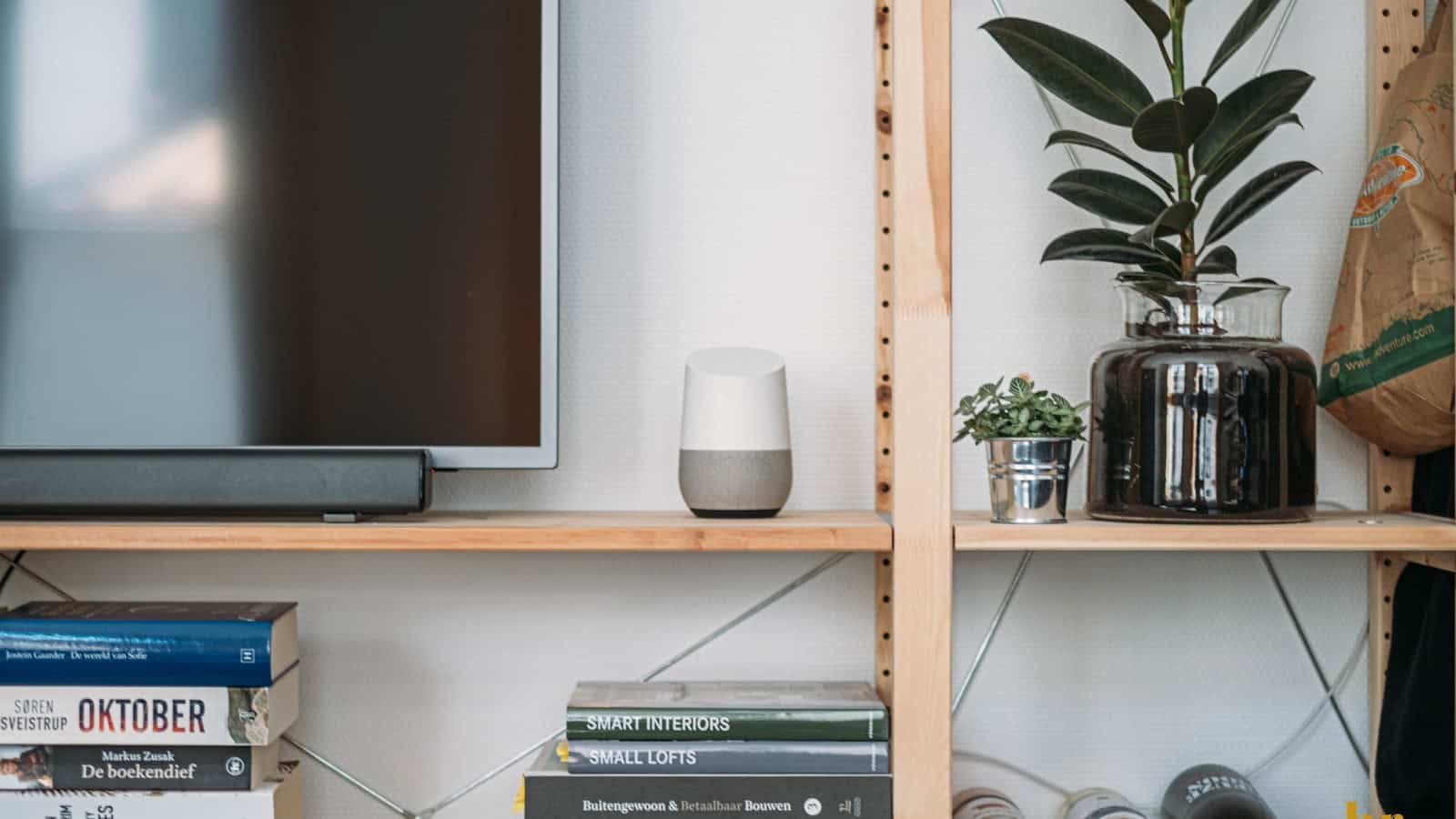
You said “Hey Google, good night” for three years and the house did the right thing. Now Gemini wishes you sweet dreams and leaves every light on. Google Assistant routines not working like they used to, or seem to have vanished completely? They probably didn’t disappear so much as get stranded between two different automation systems, and Google has been quietly deleting parts of the old one all year.
The quick answer: Most people who say “my routines are gone” are actually hitting one of three separate problems. If your routine controls smart home gear, it almost certainly still exists. It’s in the Automations tab of the Google Home app, and the voice keyphrase is the part that broke. If your routine controlled your phone: battery checks, Do Not Disturb, phone volume. Those actions were removed from Google Home automations in early May 2026, and there’s no in-Home replacement. Rebuild those in Samsung Modes and Routines, Pixel Rules, or a third-party automation app. And if your routine used Family Bell, Interpreter mode, or daily updates, that’s genuinely gone with no equivalent. Start by opening the Automations tab and checking whether the routine still exists before you rebuild anything.
First, figure out which kind of routine you actually had
This is the step everyone skips, and it’s why the advice online feels useless. “Google Assistant Routines” was never one feature. It was at least three things wearing the same name:
- Household routines in Google Home. The ones that turn lights on, set the thermostat, lock doors, start music on a speaker. These live in the Google Home app and are now called Automations.
- Personal Assistant routines. The ones that ran on your phone. Read out your calendar, adjust your phone volume, turn on Do Not Disturb, start a podcast in your ears.
- Preset routines: Good morning, Bedtime, Workday. Google made these for you, and for a long time you couldn’t delete or fully edit them.
The Gemini transition hit all three differently. So before you rebuild anything, open the Google Home app and tap Automations. If your routine’s name is sitting right there, it wasn’t deleted: something else went wrong, and the fix is much smaller than a rebuild.
What actually broke on speakers and displays
Gemini for Home replaced Assistant on eligible Google and Nest speakers, displays, cameras and doorbells starting in October 2025, and it rolled out in waves rather than all at once. That staggered rollout is why your neighbour’s setup survived and yours didn’t.
The most common failure isn’t a deleted routine. It’s a dead trigger phrase. As 9to5Google reported in December 2025, the upgrade appeared to break some voice-triggered automations for some users, with routines either erroring out or simply not responding to the keyphrase that had worked for years. Crucially, it wasn’t affecting everyone.
Two specific things go wrong here:
- Spelling. “Goodnight” and “good night” are not the same string to the automation engine. If your keyphrase is one and you say the other, Gemini treats it as conversation and replies with something pleasant instead of running your automation. Say the phrase exactly as it’s typed in the app.
- Reserved phrases. The built-in presets used to hold onto phrases like “good night” and you couldn’t delete the preset to free them up. That one has been fixed: 9to5Google covered the February 2026 update that finally let you delete pre-made routines including Good morning, Bedtime and Workday using a trash icon.
So if your custom automation is being ignored, check whether a surviving preset is squatting on the phrase. Delete the preset, or give your automation a phrase nothing else uses. That single change fixes a surprising share of “my routine is gone” reports.
The phone actions Google deleted in May 2026
This is the one with no workaround inside Google Home, and it’s worth being blunt about.
In the first week of May 2026, Google removed phone-related actions from Google Home automations. The three named actions were checking your phone’s battery level, setting or unsetting Do Not Disturb, and adjusting phone volume. 9to5Google reported Google’s clarification directly: the company said it was not removing automations, only the phone-related actions inside them. Android Central covered the warning as it went out, and Android Authority confirmed the scope was limited to phones.
These were leftovers from the old Assistant Routines system. Google Home’s automation engine was never really built to reach into your handset, and the transition is where that finally got tidied up.
What to do: if your bedtime routine’s only job was “silence my phone,” that’s not a Google Home task anymore. Move it. On Samsung, use Modes and Routines, which is more capable than Assistant Routines ever was for phone settings. On Pixel, use Rules, though it’s basic, mostly covering ringer and Do Not Disturb based on location or Wi-Fi, and Android Headlines reported location-based Rules failing for some users after the March 2026 update, so test it rather than trusting it. On other phones, a dedicated automation app is your realistic option. While you’re in there, it’s worth a pass through the hidden Android settings that speed up your phone: several of them overlap with what people were using routines for.
What has a real Gemini equivalent now
Some of what you built routines for, you no longer need a routine for. Google spent the first half of 2026 shipping automation updates almost monthly, and the picture in July 2026 is meaningfully better than it was in December.
- Timers and alarms. 9to5Google covered the March 2026 update that made Gemini for Home faster and less chatty, with better handling of recurring alarms and timers and snoozing. It also cut latency on everyday commands like turning lights on.
- Multi-step commands. Per Google’s own Google Home changelog, a May 27, 2026 update added the ability to combine several actions into a single spoken command: dim the lights, close the blinds, start a podcast. If your routine existed purely to chain three commands together, you can now just say all three.
- Announcements and small talk actions. The February 2026 update added ten predefined voice actions to the automation editor, covering things like announcing the time or the weather, playing a chime or sleep sounds, and telling a joke. That covers a lot of homemade “good morning” routines.
- Suggested automations. Google’s changelog lists a July 8, 2026 change that puts ready-made automation templates at the top of the Automations tab. Faster than building from scratch.
Android Police’s write-up on deleting half their automations makes the point well: a chunk of what people built in the Assistant era were workarounds for things the old assistant couldn’t parse. Those workarounds are now dead weight. Sensor-triggered automations (motion, humidity, door contacts) are the ones worth keeping, because they run without anyone talking.
What’s simply gone
No padding here. These are not coming back, and no amount of rebuilding will recreate them:
- Family Bell. Retired. You can approximate it with a scheduled automation that announces something at a set time, but the dedicated feature is gone.
- Interpreter mode. The full live back-and-forth translation mode on speakers and displays was retired. Single phrase translation still works.
- Daily updates. The “send me the weather every day” subscription model is gone. Google’s own list of Assistant changes points you at scheduled routines instead, which works, but you have to build it yourself.
- Birthday reminders inside routines, media and radio alarms, the stopwatch, voice photo management. All on the same retirement list.
- Phone actions inside Google Home automations. Covered above. Gone as of May 2026.
One more honest note: Gemini’s scheduled actions on the phone look like a routines replacement, and in some ways they are: recurring prompts, morning digests, reminders. But they sit behind a Google AI Pro or Ultra subscription, plus qualifying Workspace plans. If someone tells you scheduled actions replace your free Assistant routine, check whether you’re being quietly upsold.
The rebuild plan, in order
- Open Google Home, tap Automations, and list what survived. Don’t rebuild what’s already there.
- For each broken one, check the trigger phrase spelling against what you actually say out loud.
- Delete any preset routine you never use. It may be holding a phrase hostage.
- Move anything that touches your phone’s own settings to Modes and Routines, Pixel Rules, or a third-party app.
- Delete anything that only existed to work around Assistant’s literalness. Try saying the command plainly first.
- For anything complex (conditional logic, many devices, precise sequencing) use the Google Home script editor, which exposes far more starters, conditions and actions than the visual editor and works in the app or on the web.
What’s still unclear
Plenty, and pretending otherwise would be dishonest.
Google has not published a clean migration map showing which old Assistant routines convert to which new Automations, so “did mine migrate?” is still answered by looking rather than by documentation. Rollout is also uneven: Gemini for Home has been expanding by country and device tier through 2026, so two people on the same hardware can see different menus in the same week. Google’s changelog notes Gemini Live reaching first-generation speakers and displays on July 23, 2026, for Premium subscribers, which tells you how granular the tiering has become.
It’s also unclear whether more Assistant-era actions will follow the phone actions out the door. The May 2026 removal was framed narrowly, but it was framed narrowly at the time, and the direction of travel is one-way. Finally, Google’s help pages state that once a home is switched to Gemini for Home, it can’t be switched back, so treat the upgrade prompt as permanent, not as something to try out.
Are my Google Assistant routines actually deleted?
Usually not. Household routines that control smart home devices generally still exist as Automations in the Google Home app. What most often breaks is the voice trigger, not the automation itself. Check the Automations tab before rebuilding. You may only need to fix a keyphrase.
Why does Gemini reply to my routine phrase instead of running it?
Because it’s treating the phrase as conversation. This happens when the spoken phrase doesn’t exactly match the saved trigger, including spacing and spelling, or when a preset routine is already claiming that phrase. Give your automation a unique phrase and say it exactly as written.
Can I still make my phone go silent with a Google Home routine?
No. Phone-related actions (Do Not Disturb, phone volume, battery checks) were removed from Google Home automations in early May 2026. Use Samsung Modes and Routines, Pixel Rules, or a third-party automation app instead. There is no Google Home replacement for it.
Should I just move to a different smart home platform?
Only if your setup is complex. For most homes, the Google Home script editor covers what the visual editor can’t, and the 2026 updates closed a lot of the early gaps. If you depend on conditional logic across many brands and can’t tolerate rollout surprises, a local platform is worth evaluating, but it’s a bigger project than fixing a keyphrase.
Related: Android Auto: Setup, Fixes, and Features You're Not Using

I am the chief editor of TheLeaker. I also maintain the backend stuff of the site. I’m a tech enthusiast and loves to do Python coding in my free time. I have worked at many giant publications like XDA Developers and NXTtech before starting TheLeaker.
You can get in touch with me at Garv[at]theleaker.com.