
The worst part of losing a phone isn’t the money. It’s the two minutes of blank panic before you remember there’s a way to track it. There is: you can find a lost Android phone even when it’s offline, out of battery, or switched off entirely, using tools already built into the device.
The quick answer: Go to android.com/find on any browser, or use Google’s Find Hub app on a friend’s phone, and sign in with the Google account that’s on the missing device. You’ll see its last known location, plus buttons to ring it at full volume, lock it with a message on screen, or erase it. If the phone is offline, newer Android devices can still be located through a crowdsourced network: nearby strangers’ Android phones detect your device over Bluetooth and report its position back to you privately. Some recent hardware can broadcast that signal for hours after the battery dies or the phone is powered down. Ring first, lock second, and only erase when you’re sure it’s gone for good: erasing ends all tracking.
Set this up before you need it
Everything below only works if the phone was prepared in advance. It takes two minutes and you should do it right now on every device you own.
Open Settings and search for “Find My Device” or “Find Hub.” Confirm it’s turned on. While you’re there, look for the offline finding or network option and set it to allow your device to be found even when it’s not connected. That’s the setting that enables the crowdsourced Bluetooth network. Also make sure location is enabled, you’re signed into a Google account, and the phone has a screen lock.
One more thing people skip: check that the phone is visible to the network in a way that suits you. Recent Android versions let you choose between reporting a device’s location only when the network is busy with many nearby participants, or in all areas including quiet ones. The all-areas setting finds phones in sparse locations but shares slightly more. Pick what you’re comfortable with: just don’t leave it off.
If you have a Samsung, turn on Samsung’s own finding service as well. Two independent tracking systems on one phone is strictly better than one, and Samsung’s version has features Google’s doesn’t.
How to find a lost Android phone right now
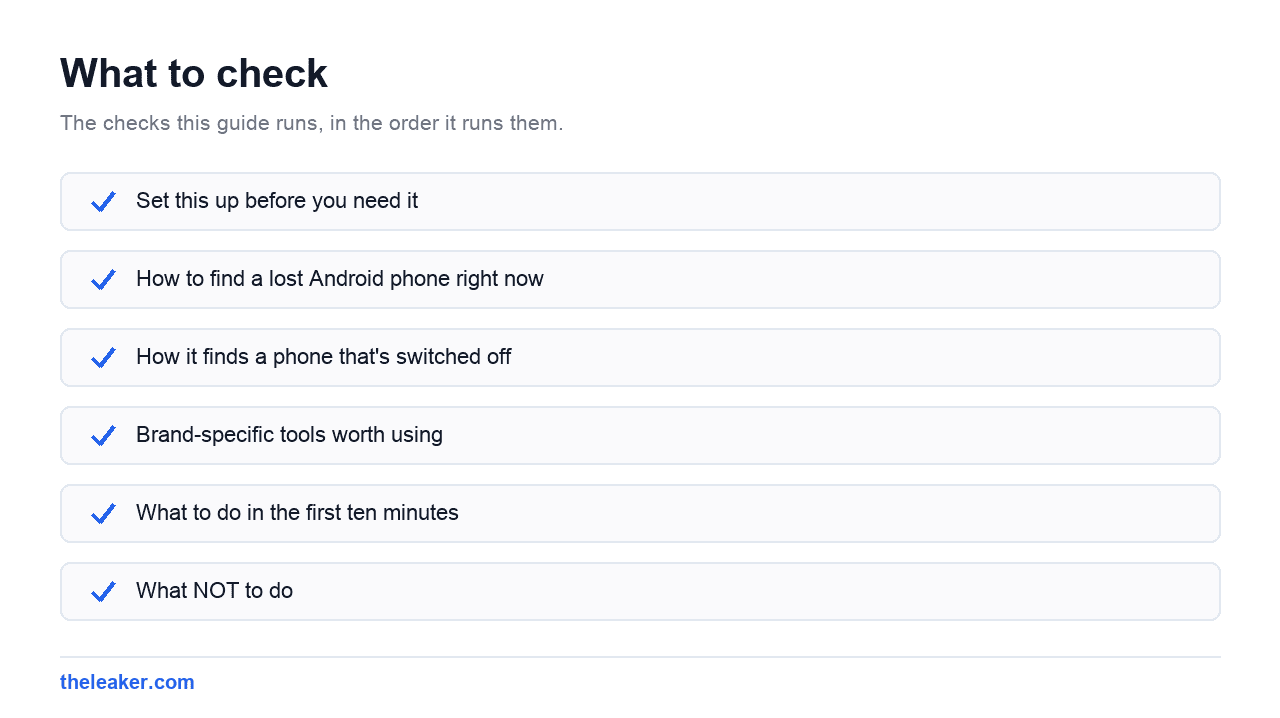
- Open android.com/find in any browser, or use Google’s finding app on someone else’s Android phone. Sign in with the Google account on the lost device.
- Pick the device from the list. If your account has several, the names match what’s in each phone’s about screen.
- Look at the location and the timestamp. A live location updates. A greyed or “last seen” pin with a time attached means the phone hasn’t reported since then: useful, but treat it as a starting point rather than a destination.
- Ring it. This is the single most effective action, because most “lost” phones are in the house. Ringing plays a loud sound for several minutes even if the phone is on silent or vibrate.
- Secure it if it’s genuinely out of your hands. Locking the device shows a custom message and a contact number on the lock screen, so an honest finder can reach you.
- Erase only as a last resort. A remote wipe removes your data, and removes the phone from the finding network. You lose tracking permanently.
Ring first. Seriously.
Before you drive across town to a map pin, ring the phone. GPS accuracy indoors can be off by a building or two, and plenty of people have gone to the wrong address for a phone that was under a sofa cushion the whole time.
How it finds a phone that’s switched off
This is the part that surprises people, so it’s worth explaining properly rather than just claiming it works.
Google’s finding network works like a giant relay. Compatible Android phones, of which there are a very large number, passively listen for Bluetooth beacons from other devices. When your lost phone broadcasts, any nearby participating phone picks up that beacon and reports an encrypted location back to Google. Google passes it to you. The person whose phone did the detecting never learns anything about it, and Google can’t read the location either; it’s end-to-end encrypted so only you can decrypt it.
Two consequences follow. First, the network works best where people are. In a crowded market your phone might be pinpointed within minutes. In an empty field at 3am, nothing will report it until someone walks past. Second, it works without your phone having any internet connection at all: no SIM, no Wi-Fi, no mobile data. Bluetooth alone is enough.
The powered-off trick goes further and depends on hardware. Some recent phones reserve a trickle of power so the Bluetooth beacon keeps transmitting after the phone shuts down or the battery hits zero. That window isn’t infinite (think hours, not weeks) and it only exists on devices built for it. Older phones stop broadcasting the moment they die. Don’t assume your five-year-old handset has this; check whether your model advertises offline finding when powered off.
Brand-specific tools worth using
Samsung (One UI): Samsung runs a parallel finding service through its own account, with its own device network. It offers extras Google’s doesn’t: like remotely backing up data before you wipe, extending battery life on the lost phone, or retrieving recent calls. If you own a Galaxy, register for both services. The Samsung one has saved plenty of phones that Google’s had already given up on.
Pixel: Google’s implementation is the reference version, and Pixels get the offline and powered-off finding features first. Nothing extra to install.
Xiaomi (HyperOS): Xiaomi has its own find-device service tied to a Mi account, which can locate, ring, and wipe independently of Google. Worth enabling as a second layer.
OnePlus: Relies primarily on Google’s system on most models. Make sure the offline finding setting is switched on, since it isn’t always enabled by default depending on region.
What to do in the first ten minutes
Order matters here more than people realise.
- Locate and ring. Rules out the couch, the car, and the office desk.
- Lock it with a message. Do this early even if you think you’ll find it. A locked phone with your alternate number on screen turns a stranger into a returner.
- Note the IMEI. It’s on the original box, on your carrier account, and in your Google account’s device list. You’ll need it for police and carrier reports.
- Call your carrier if it’s been more than an hour and the phone is clearly gone. Suspend the line so nobody can rack up charges or receive your OTPs. In India you can also get the IMEI blocked through the government’s stolen-phone reporting portal, which makes the handset unusable on Indian networks.
- File a police report. Insurance and IMEI-blocking both usually require one, and it costs nothing but time.
- Change critical passwords: email first, since it’s the reset path for everything else. Then banking. Sign the lost device out of your Google account only after you’ve given up on tracking, because signing out kills the finding link.
- Erase once recovery looks hopeless.
What NOT to do
Don’t go to the location alone. If the map shows your phone at an address you don’t recognise, that’s a police matter. People have been hurt confronting strangers over a phone. Share the location with the police and let them handle it.
Don’t erase immediately out of panic. Remote wipe feels decisive, and it does protect your data, but it also ends tracking, permanently. If the phone has a strong screen lock and encryption (which every modern Android does by default), your data is already hard to reach. Lock first, wait, erase later.
Don’t remove the device from your Google account. Same problem: it severs the connection you’re relying on.
Don’t trust “IMEI tracker” websites or apps. There is no public service that locates a phone by IMEI. Every site claiming otherwise is either harvesting your data or selling you nothing. IMEI is for blocking the handset through your carrier or the authorities, not for tracking it yourself.
Don’t reply to the “we found your phone” message. A common scam: shortly after a phone is lost, the owner gets a message claiming the device was found, with a link to sign in and confirm. The link is a fake Google login designed to steal your password so the thief can unlock the phone. Google does not text you links like this. Verify anything only by going to android.com/find yourself.
Honest limitations
None of this is magic, and it’s better to know the gaps now than discover them mid-crisis.
A determined thief who powers the phone off immediately and puts it in a signal-blocking bag defeats most of it. Modern factory reset protection means they can’t easily use or resell the phone as a working device tied to your account, which is real protection, but it doesn’t get your handset back.
Location accuracy varies enormously. Outdoors with GPS, you might get within a few metres. Indoors, relying on Wi-Fi triangulation or a single Bluetooth relay, the pin could be off by the width of a building. Treat every pin as an area, not a point.
And if the finding features were switched off before the loss, there’s nothing to turn on remotely. You can’t enable tracking after the fact. That’s exactly why the two minutes of setup matters, and why it’s worth doing a quick pass through your phone’s security settings generally. Our roundup of Android settings most people never open is a decent prompt to go looking.
Frequently asked questions
Can I find my Android phone if it’s switched off?
On supported recent hardware, yes: for a limited window. Those phones keep a low-power Bluetooth beacon alive after shutdown or battery death, and nearby Android devices relay its position to you. The window is measured in hours, and older phones don’t support it at all. If yours doesn’t, you’ll see the last location recorded before it powered down, which is still a useful lead.
Can someone track my phone using just the IMEI number?
Not you, and not through any website. Carriers and law enforcement can act on an IMEI, mainly to blacklist the handset so it won’t work on networks, but there’s no consumer tool that turns an IMEI into a location. Every app or site promising IMEI tracking is a scam. Report the IMEI to your carrier and the police instead.
Does remote erase stop me from finding the phone later?
Yes. Erasing removes your account and the finding capability with it, so tracking stops the moment the wipe completes. Because Android encrypts storage by default and factory reset protection keeps the device locked to your account, waiting a day before wiping is usually a reasonable risk. Wipe sooner if the phone held something sensitive.
What if my phone is lost but has no SIM or internet?
It can still be found. The crowdsourced network runs over Bluetooth, so your phone doesn’t need a data connection. It needs a participating Android device to walk past it. In busy areas that happens fast. In remote areas it may not happen at all until someone does.
The bottom line
Two minutes of setup today decides whether a lost phone is an inconvenience or a disaster. Turn on finding, allow offline location, set a screen lock, and if you have a Samsung or Xiaomi, register with their service too. Then, if the day comes: ring, lock, report, and only erase when hope’s gone.
Related: Phone Theft Protection on Android: Set These Up Before You Need Them

A tech Journalist and Photographer, Dhawal Sharma is a technology enthusiast who loves to research the latest innovations and technology. He has contributed to the Honor Community for a very long period and has crucial expertise in writing tech news and reviewing smartphones and laptops. Analyzing and bringing the facts about any piece of tech is what he loves the most. He is a great product photographer and is the Gizmopedia of TheLeaker. Find him on Facebook and Instagram, and you can also email him at [email protected].