
The phone was working an hour ago. Now the status bar shows no signal and the screen says “No SIM card detected”, or just “No SIM”. Before assuming the phone is broken, it is worth knowing that the most common cause is physical and takes two minutes to rule out.
The quick answer: “No SIM card detected” means the phone cannot read the SIM at all, which is different from having a SIM but no service. The most common causes are a SIM that has shifted in its tray, dirty or worn contacts, a software glitch after an update, an incorrectly seated tray after a swap, or a genuinely failed SIM. Start by powering the phone off, removing and reseating the SIM, and powering back on. If that does not work, the single most useful test is putting the SIM in another phone: it tells you immediately whether the fault is the SIM or the handset, and everything after that depends on the answer.
Work through it in order
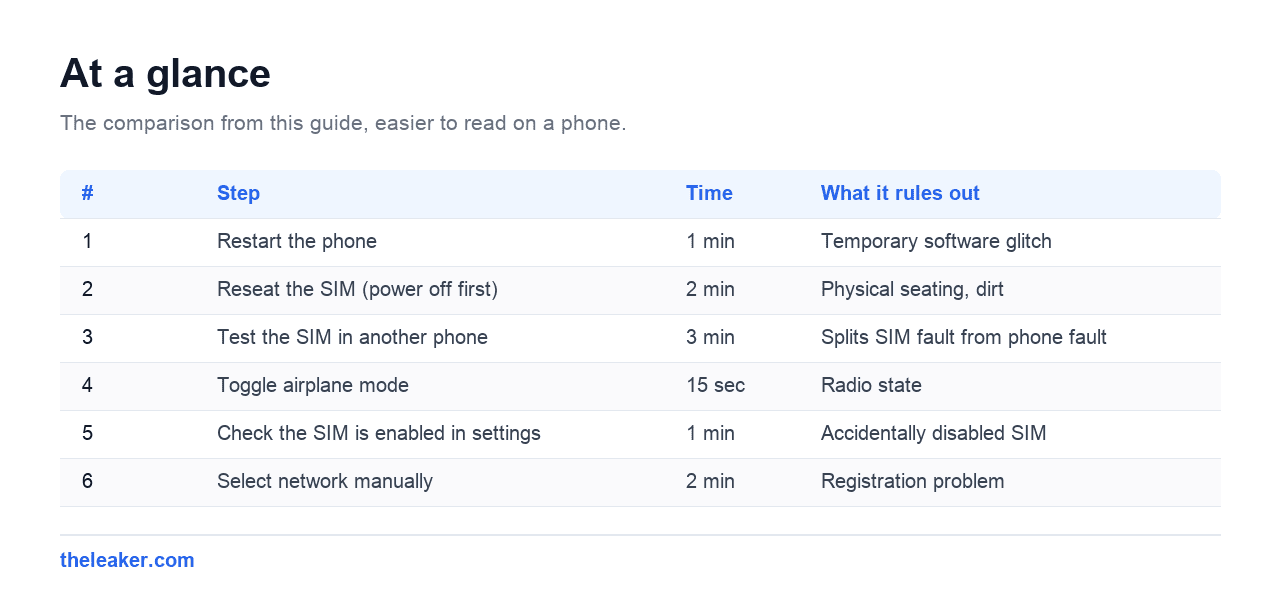
| # | Step | Time | What it rules out |
|---|---|---|---|
| 1 | Restart the phone | 1 min | Temporary software glitch |
| 2 | Reseat the SIM (power off first) | 2 min | Physical seating, dirt |
| 3 | Test the SIM in another phone | 3 min | Splits SIM fault from phone fault |
| 4 | Toggle airplane mode | 15 sec | Radio state |
| 5 | Check the SIM is enabled in settings | 1 min | Accidentally disabled SIM |
| 6 | Select network manually | 2 min | Registration problem |
| 7 | Reset network settings | 5 min | Corrupted config |
| 8 | Replace the SIM at the carrier | varies | Worn out SIM |
1. Restart first
A full power off and on, not a quick reboot. This clears the modem state and fixes a genuine share of cases, particularly when the error appeared after an update or after a long period in poor signal.
2. Reseat the SIM properly
Power the phone off before opening the tray. Removing a SIM from a running phone is a common way to corrupt the SIM’s state, and on some handsets it causes exactly this error.
- Power off completely.
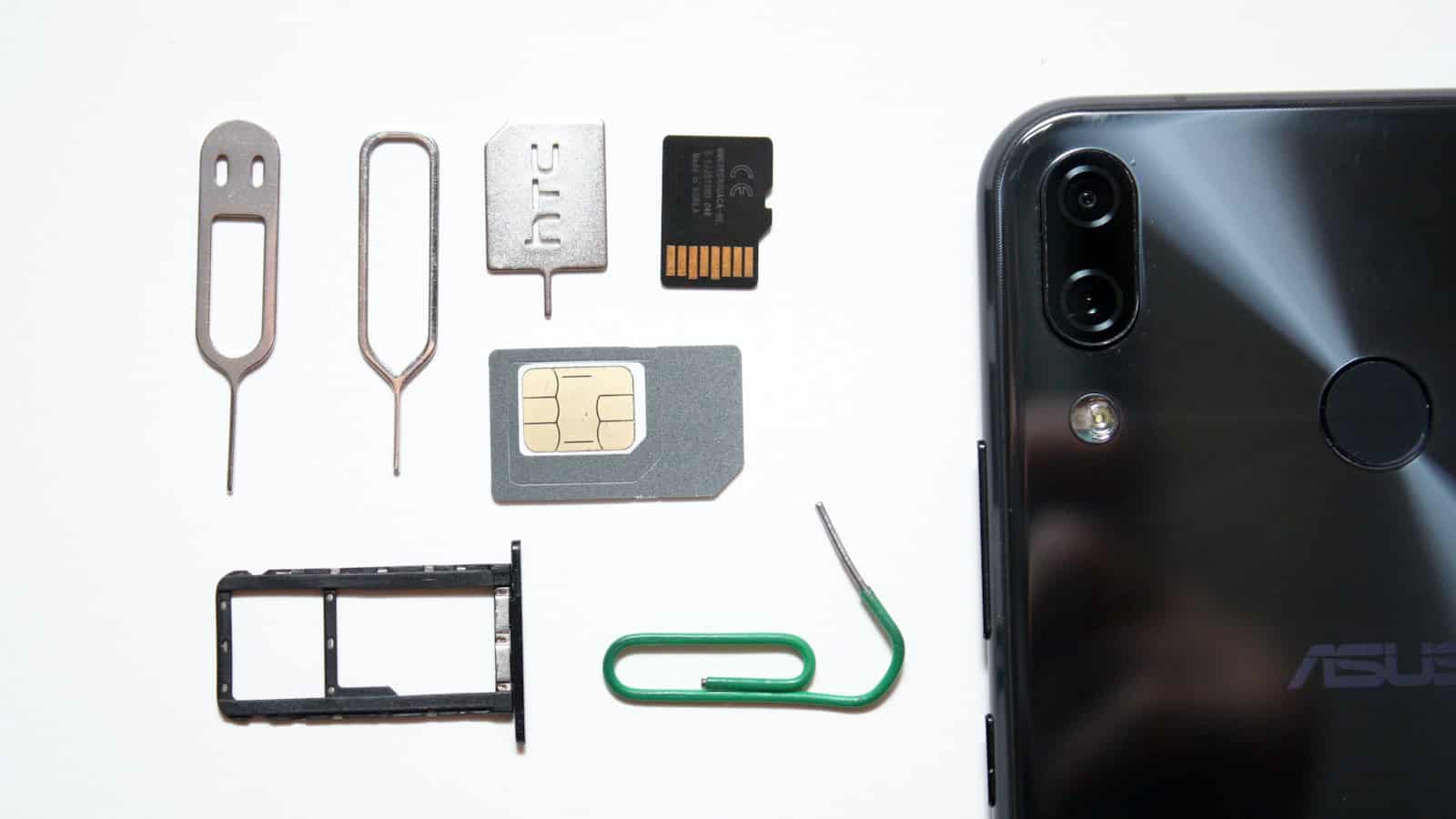
- Eject the tray with the tool or a straightened paperclip.
- Check the gold contacts for dust, fingerprints, discolouration or scratches.
- Wipe gently with a dry lint-free cloth. No liquids, no abrasives.
- Seat the SIM flat in the tray, check it is not sitting proud, and slide the tray fully home.
- Power on.
A SIM only has to move a fraction of a millimetre to lose contact. Dropping the phone, temperature changes and simply carrying it around are enough over time.
3. The test that actually diagnoses it
Put your SIM in a different phone, and if possible a different SIM in yours. This is the fastest way to separate two very different problems.
| Your SIM in another phone | Another SIM in your phone | Conclusion |
|---|---|---|
| Works | Works | Seating or a transient glitch, reseat again |
| Fails | Works | The SIM is faulty. Get a replacement |
| Works | Fails | The phone’s SIM reader is faulty. Needs repair |
| Fails | Fails | Check the tray is the right one and correctly assembled |
Everything past this point depends on which row you land on, so it is worth the three minutes before trying anything more involved.
4 and 5. Airplane mode and the SIM toggle
Toggle airplane mode on for fifteen seconds and off, which forces a fresh scan.
Then check the SIM has not been switched off in software. On dual SIM phones especially, it is easy to disable a SIM by accident. Go to Settings, then Network and internet or Connections, then SIM manager or SIMs, and confirm the SIM is present and enabled.
6. Select the network manually
Mobile network, then Network operators, turn off automatic selection and let it scan. If your carrier appears, choose it. If the scan finds nothing at all, that points at the SIM or the radio rather than a setting.
7. Reset network settings
Settings, then System, then Reset options, then Reset Wi-Fi, mobile and Bluetooth. Files and apps are safe, saved Wi-Fi passwords and Bluetooth pairings are not.
8. When the SIM has simply worn out
SIM cards do fail. The contacts oxidise, and cards that have moved between phones repeatedly wear faster. If your SIM fails in a second phone, a replacement from the carrier is the fix, and it usually keeps your number and plan intact.
Physical SIMs have a finite life measured in years rather than decades, so a very old SIM failing is normal rather than suspicious.

Special cases worth knowing
It started right after an update
Reseat the SIM first, then reset network settings. Updates occasionally reset radio configuration in a way that presents as a missing SIM. If the phone has a pending carrier settings update, allow it to install.
Dual SIM phones
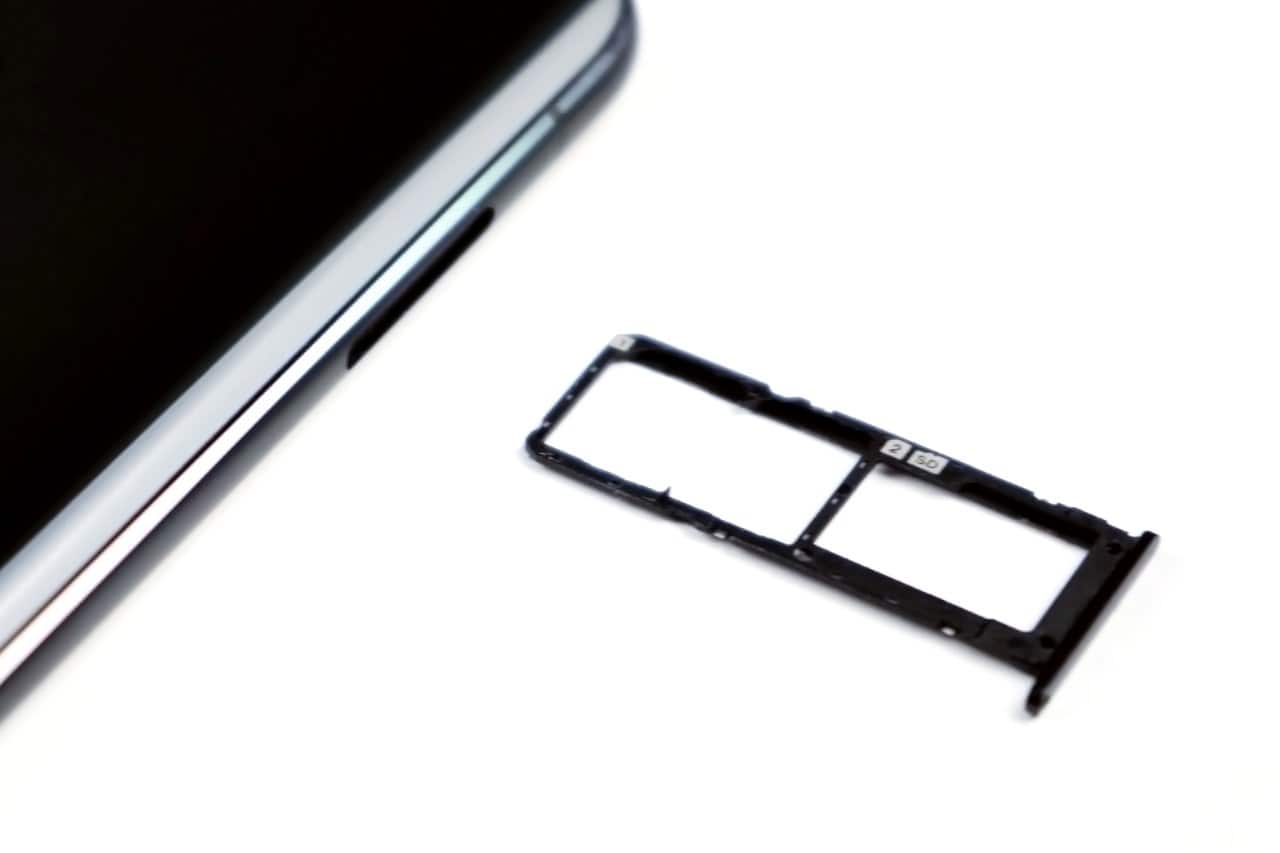
Try the SIM in the other slot. If it reads in slot 2 but not slot 1, the reader for slot 1 has failed and the phone needs service. Also note that on many phones slot 2 is shared with the microSD tray, and a card seated slightly wrong stops the SIM being read.
eSIM
If you use an eSIM there is nothing physical to reseat. Check the eSIM profile is still present and active under SIM manager. Profiles occasionally need re-downloading from the carrier, and a factory reset removes them entirely, so never reset an eSIM phone without the carrier’s re-activation details.
Second hand phones
If the phone was bought used and has never read a SIM, consider that it may be carrier locked to a different network, or that the IMEI is blocked. The carrier can check both, and neither is fixable from the phone.
Frequently asked questions
Is “No SIM” the same as “No service”?
No, and the difference matters. “No SIM” means the phone cannot read the card at all. “No service” means it reads the SIM but cannot find a usable network, which is a coverage or registration problem.
Can water damage cause this?
Yes. Moisture in the tray corrodes the contacts, sometimes weeks after the exposure. Look for discolouration or a green tinge on the gold pads.
Will a factory reset fix it?
Rarely, and it should be near last. Reset network settings achieves almost all of the same thing without wiping the phone. Never factory reset an eSIM phone without the carrier’s re-activation details.
My SIM works in another phone, so what now?
The SIM reader in your handset has failed, which is a hardware repair. In the meantime an eSIM, if your phone and carrier support one, is a working alternative that avoids the faulty reader entirely.
Changelog
- 2 August 2026: Page created.
Related: How to Set Up an eSIM on Android (And Switch Phones Without Losing Your Number)

Hola everyone! I’m Sajid and I’m a typical freelance Graphic Designer with a keen interest in technology and science stuff. I actually like to write about the recent happenings around the world of technology as a part of The Leaker.