
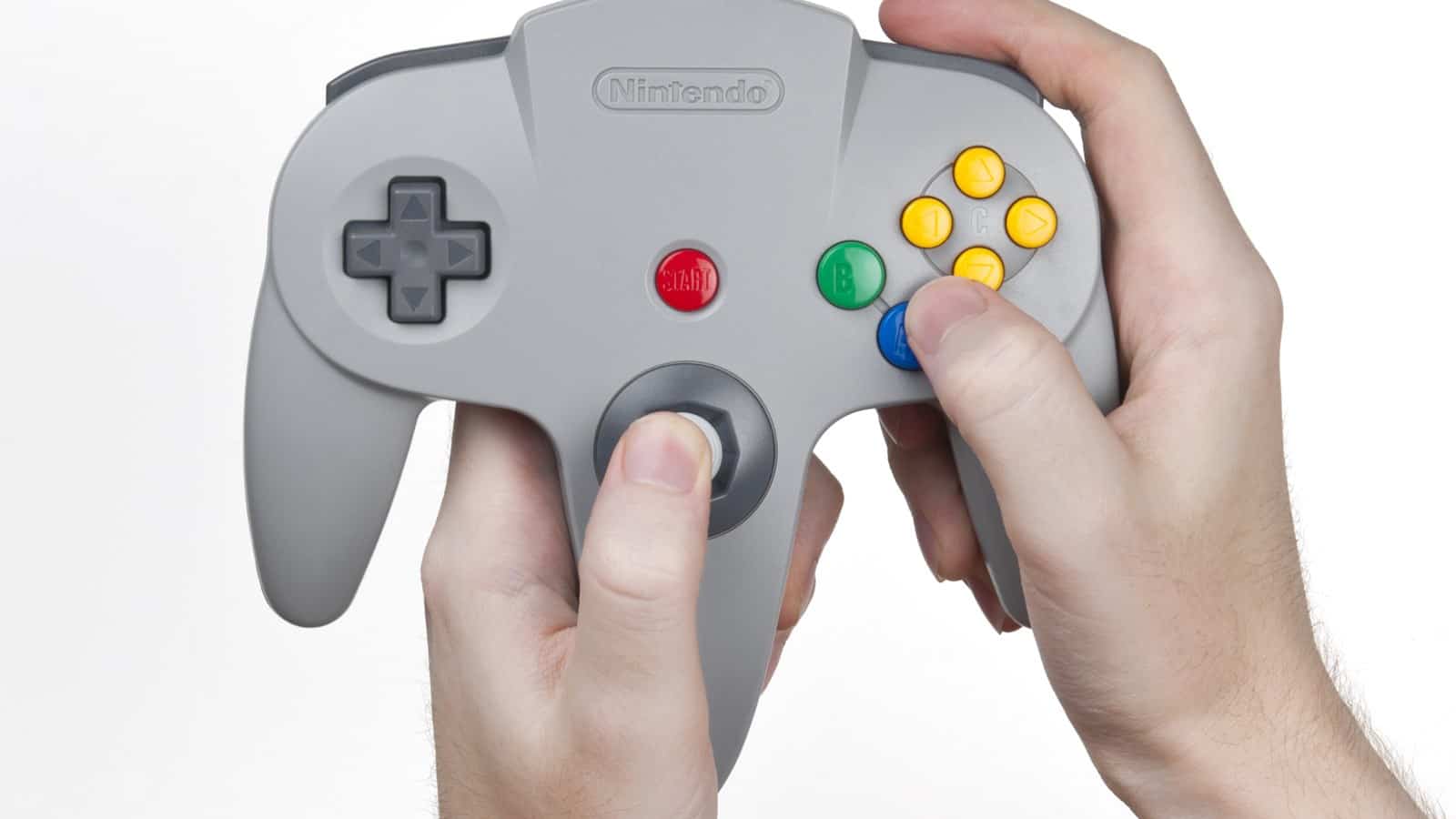
The short answer: for most people the best emulator on iPhone is Delta, which is free on the App Store and plays Nintendo systems from the NES through Game Boy Advance, DS and N64. Pair it with PPSSPP for Sony’s PSP and RetroArch for older or obscure machines, and you have almost everything covered. All three are real App Store downloads now that Apple changed its rules in 2024, so no sideloading is involved. The big gap is GameCube and Wii. The one emulator that runs them well, DolphiniOS, still is not on the App Store, and the reason is technical rather than legal.
Until April 2024 the only way to run a console emulator on a stock iPhone was to sideload it or jailbreak, because Apple’s App Review rules banned them outright. Apple then rewrote guideline 4.7 to allow “retro game console emulator apps”, and the floodgates opened within weeks. So the honest version of this guide is short. A handful of apps are good, they split cleanly by which console you want to play, and one hardware limit shapes every recommendation below.
First, the rule that keeps this legal
Independently written emulator software, containing none of the console maker’s own code, can be lawful. Game ROMs and console BIOS files stay copyrighted, and encryption keys sit in a stricter category still, because distributing keys or circumvention tools runs into the DMCA’s anti-circumvention rules (Section 1201), which are separate from copyright ownership. Use only files you legally own and are allowed to copy, and don’t download or share ROMs, BIOS files, keys or circumvention tools. An emulator is a program that imitates old hardware, and imitating hardware is not itself infringement. The files you feed it are the separate question the law cares about.
One thing to be clear about, because App Store listings get read as a legal blessing: Apple approving an emulator is a store-policy decision, not a court ruling. The relevant case, Sony v. Connectix, supports building an emulator that contains no protected code. It does not cover apps that bundle copyrighted games or keys, which is why the reputable emulators ship empty and make you supply your own files.
What to install, by what you want to play
Skip the “top 20” lists. In practice four apps cover almost every request, and each owns a lane.
Nintendo, from the NES to the N64: Delta
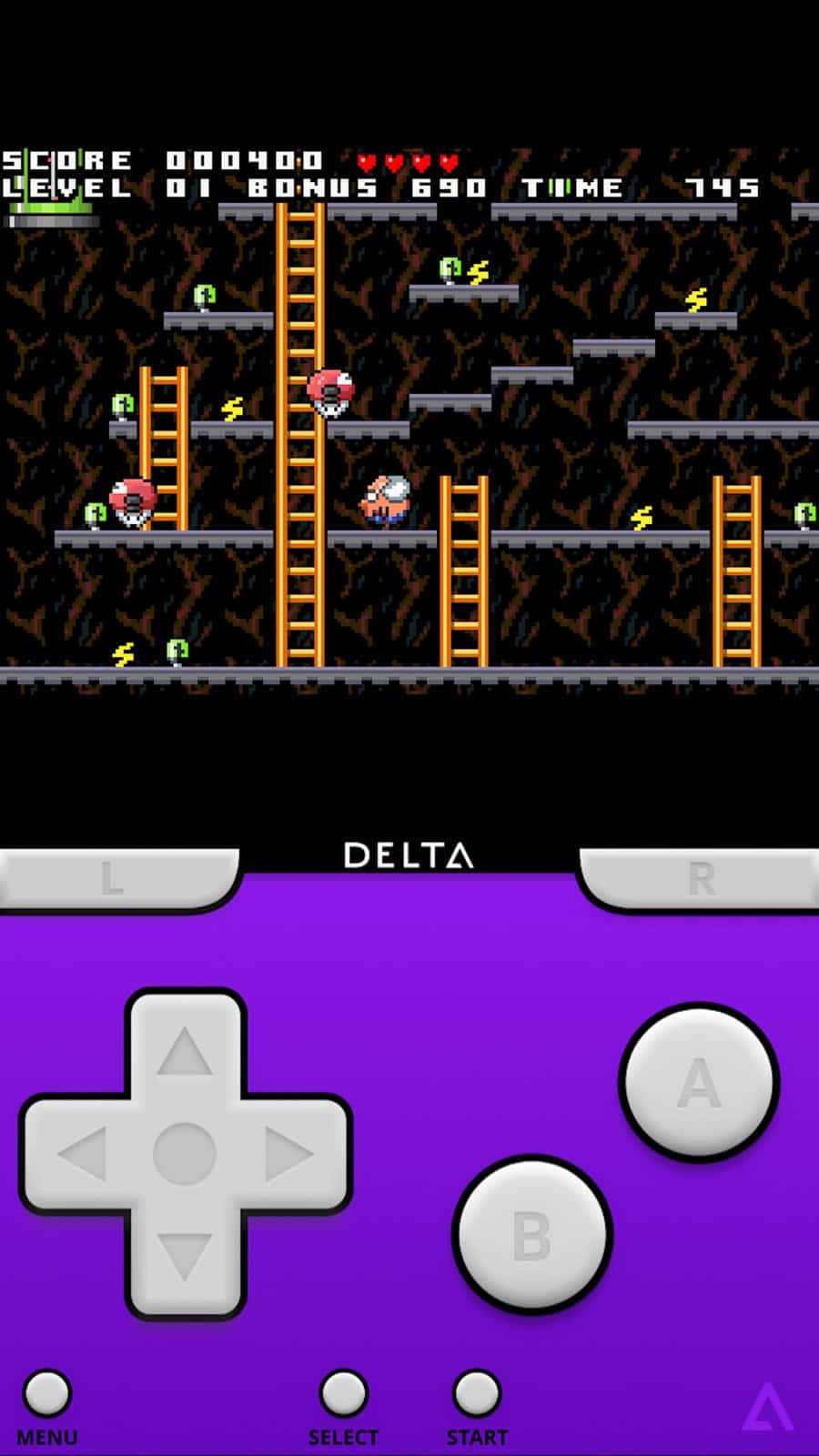
Delta is the one I would install first. It is free, it has no ads, and it emulates the NES, SNES, Game Boy, Game Boy Color, Game Boy Advance, Nintendo DS and N64 inside a single polished app. Its developer, Riley Testut, had refined it for years on the AltStore before Apple’s rule change, so it arrived mature rather than half-built. You can confirm the systems and the price on its App Store listing. If you owned a Nintendo handheld or a home console up to the N64, this is your app and you can stop reading the rest of this section.
Sony PSP: PPSSPP
PPSSPP handles Sony’s PlayStation Portable, and Delta does not touch that system, so this is the pairing most people end up with. It landed on the App Store on 15 May 2024, and its developer documented the launch on the official PPSSPP site. It has been the standard PSP emulator on other platforms for a decade, and the iOS build is the same engine, so it is a safe default rather than a gamble.
Everything older, rarer or stranger: RetroArch
RetroArch is the app to reach for when a system is too old or too niche for a dedicated emulator. It is worth understanding what it actually is before you download it, because it confuses people: RetroArch is not one emulator, it is a frontend that loads separate emulation engines called “cores”. You install RetroArch, then select one of the cores bundled into the App Store build, since iOS does not allow downloading new cores at runtime and they ship inside the app, and the same interface then runs an Atari, a Sega machine, a Virtual Boy or a TI calculator. That flexibility is the whole point, and the setup friction is the price. A beginner who only wants Game Boy games will be happier with Delta; someone chasing a Neo Geo or a PC Engine library will want RetroArch.
PlayStation 1 and the rest: Provenance, Gamma and Folium
A few more apps fill specific gaps. Gamma is a focused, free PlayStation 1 emulator if you would rather not set up a RetroArch core for it. Provenance is another multi-system frontend, useful as an alternative to RetroArch if you dislike its menus. Folium is a paid app that covers several Nintendo handhelds in one place. None of these is essential once you have the first three, so treat them as options rather than must-haves, and pick by the single system you are missing.
The one limit that decides GameCube, Wii and PS2
Here is the technical wall behind every “why can’t I emulate a GameCube on my iPhone” thread. Demanding consoles, the GameCube, Wii, PlayStation 2 and later, need a speed trick called JIT, or just-in-time compilation, where the emulator rewrites game code into fast iPhone code on the fly instead of interpreting it slowly line by line. Apple does not let ordinary App Store apps use JIT. Without it, an emulator for one of those consoles runs, but far too slowly to enjoy.
That is why DolphiniOS, the strong GameCube and Wii emulator (those two consoles only, not PS2), is not on the App Store and is installed by sideloading through AltStore or SideStore instead. Its developer explains the JIT restriction directly on the DolphiniOS FAQ. If you go this route, get it from the official download page, and know that its stable build dates back to 2022 and is described as very out of date, so the project now steers users to its beta. PlayStation 2 is a different case. DolphiniOS does not run PS2 at all, and while a few PS2 interpreters have reached the App Store, such as RTM EMU, they are hemmed in by the same JIT limit, so their performance is limited rather than the full-speed experience a laptop or Android setup gives. The rule of thumb: for GameCube or Wii, sideloading DolphiniOS is the honest route; for PS2, the App Store options are thin and compromised, and a computer or an Android phone remains the better home. For anything older, the App Store apps above are excellent.
What does not work, and what to skip
- Paid “all in one game emulator” apps with games built in. These are the ones to avoid. An app that ships copyrighted games is exactly the kind Apple pulls and courts do not protect, and it puts your money somewhere it will not stay.
- Expecting App Store approval to mean full-speed everything. It does not. The JIT limit above caps what the store can offer, regardless of how the listing reads.
- UTM SE for retro gaming. UTM SE runs old PC operating systems in a virtual machine, and because it also lacks JIT it is slow. It boots vintage Windows as a curiosity and does nothing for console games.
On Android instead?
If you are reading this for an Android phone rather than an iPhone, the answer is different and generally better, because Android allows JIT and permits sideloading freely, so GameCube, Wii and PS2 emulation are all realistic. We cover the Android side separately in our guide to the best emulators for Android, and the app names barely overlap with this list.
Frequently asked questions
Is emulating games on an iPhone legal?
The emulator app is generally lawful; the game files are the risky part. An emulator downloaded from the App Store is, on its own, very unlikely to be a problem, but App Store approval is a store-policy decision, not legal immunity. Loading the app with copyrighted games you do not own is the part that infringes, and downloading keys or circumvention tools can raise separate DMCA issues. Use only files you are legally entitled to copy.
Why is Delta free when other emulators cost money?
Delta is a genuine free app with no ads, funded through its developer’s separate AltStore project rather than through the emulator itself. That is unusual, and it is the main reason it is the default recommendation: you lose nothing by trying it, unlike the paid multi-system apps that ask for money before you know whether they run your library.
Can I play GameCube or Wii games on my iPhone at all?
Yes, but only by sideloading DolphiniOS, not through the App Store. Because Apple blocks the JIT technique those consoles need for speed, no App Store app runs them well, so the only realistic route is installing DolphiniOS through AltStore or SideStore. Expect setup effort and variable performance rather than a one-tap install.
Do I need a controller?
No, but the older and more action-heavy the game, the more you will want one. All the apps above support MFi and standard Bluetooth controllers, and on-screen buttons are fine for turn-based or slow games. For anything needing precise timing, a physical controller is the difference between playable and frustrating.
The bottom line
Install Delta, add PPSSPP if you want PSP games, and add RetroArch only if your library reaches into older or stranger systems. That covers the vast majority of retro gaming on a stock iPhone with three free, reputable apps and no sideloading. The moment your wish list hits GameCube or Wii, the App Store stops being enough, and DolphiniOS by sideload is the honest next step rather than any store download promising the same thing. For PS2, even sideloading DolphiniOS won’t help, since it doesn’t run that console; a computer or an Android phone is the realistic answer there.
Published 25 August 2026. App Store availability reflects Apple’s post-2024 guideline 4.7. If Apple ever relaxes its JIT rule, the GameCube and Wii picture is the part that would change first.

I am the chief editor of TheLeaker. I also maintain the backend stuff of the site. I’m a tech enthusiast and loves to do Python coding in my free time. I have worked at many giant publications like XDA Developers and NXTtech before starting TheLeaker.
You can get in touch with me at Garv[at]theleaker.com.