
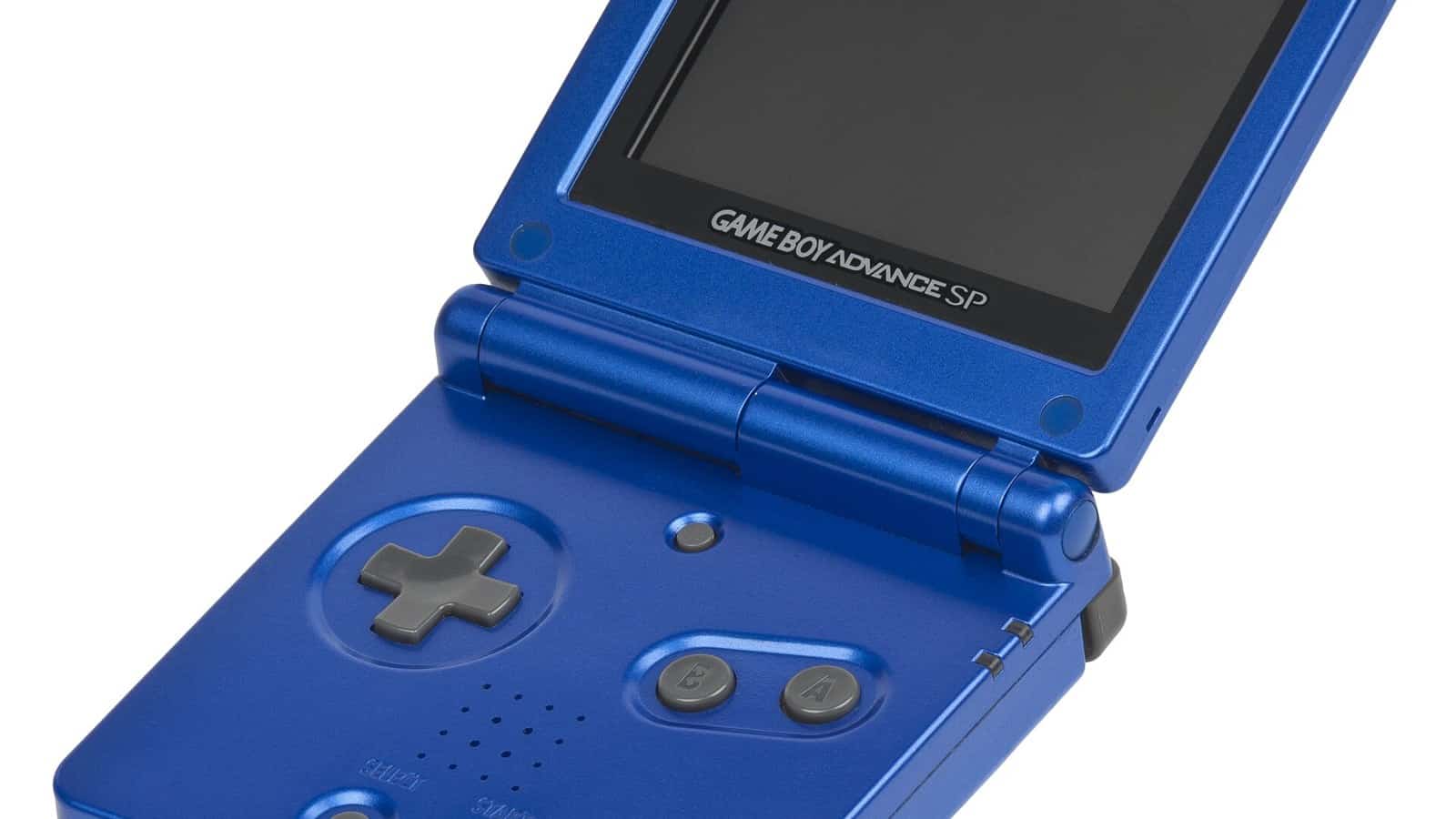
The short answer: the best GBA emulator for most Android users is Pizza Boy A, a fast, polished standalone app with save states, shaders and controller support. Install the free Basic version first; pay for Pro only if you want cloud save syncing, cheats or multiplayer. If you care more about open-source code and per-core tweaks than polish, the alternative is RetroArch running the mGBA core. That covers the real choice. One tidy app that just runs, versus a heavier, open-source setup for people who like to tinker. One warning saves a lot of confusion, because people search for it constantly. There is no official standalone “mGBA app” on Android. mGBA on your phone means the mGBA core loaded inside a libretro frontend like RetroArch or Lemuroid.
Game Boy Advance is the easiest console on this list to emulate well, which is good news and bad news. Good, because almost any Android phone runs GBA games at full speed. Bad, because that low bar means the Play Store is crowded with near-identical apps, and a few of the loudest ones are the ones you should skip. So this isn’t really a list of ten emulators. It’s one decision with two honest answers, and a short list of names to walk past.
The choice, in one paragraph
Ask yourself one question. Do you want to play, or do you want to tinker? If you want to open an app, load a game and go, pick Pizza Boy A and stop reading the comparison threads. If you enjoy dialing in accuracy, shaders and per-core settings, and you like software being open-source on principle, RetroArch with the mGBA core is the better home. Both play the entire GBA library well on modern hardware. The difference is entirely about how much setup you enjoy, and I’ll say plainly that most people overestimate how much they want the second option.
Pizza Boy A: the one to install first
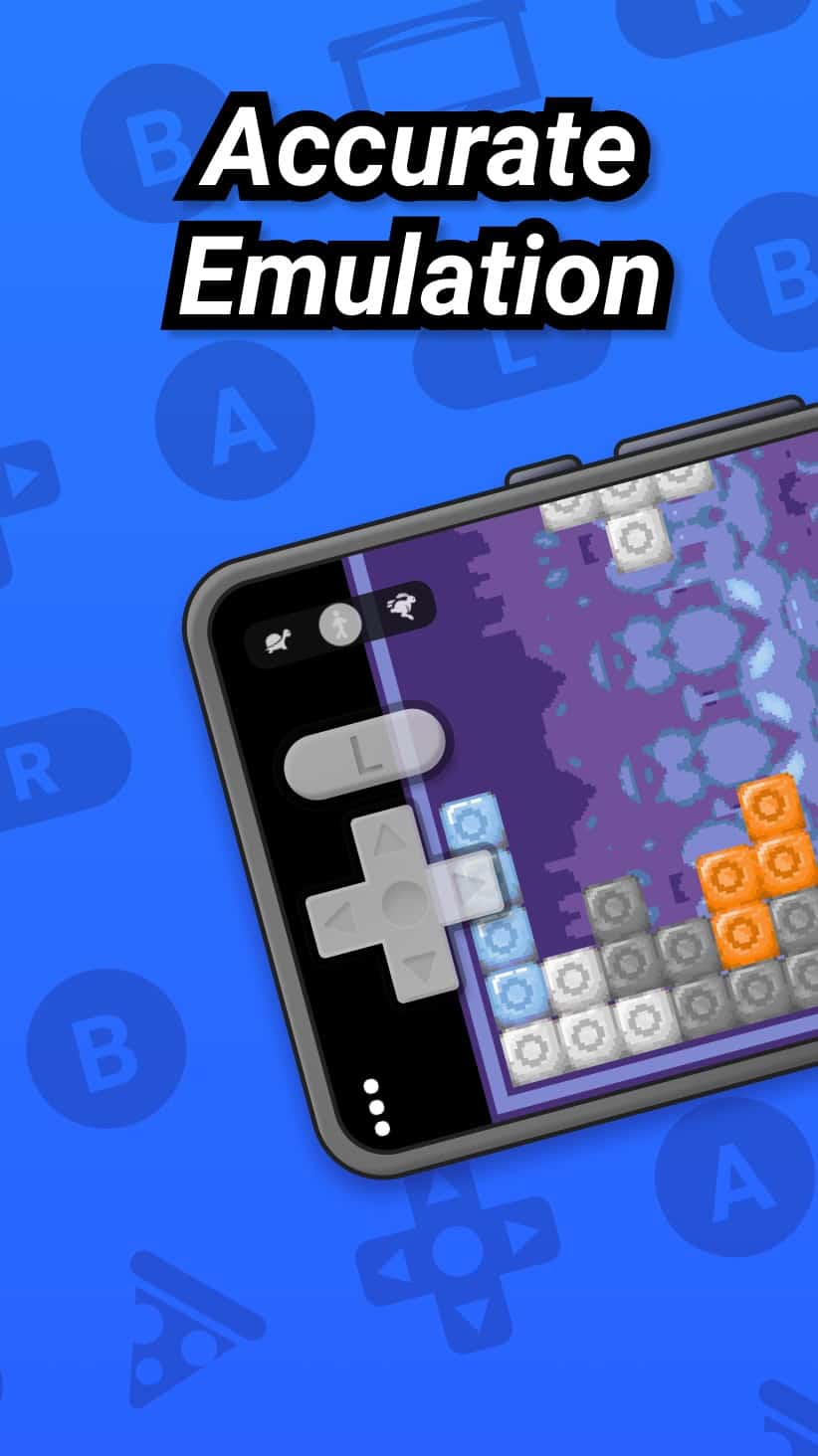
Pizza Boy A is the standalone pick, and it’s the one I’d point a friend to, a little grudgingly, because paying for a GBA emulator in 2026 still feels wrong until you use Pro next to the free crowd. It’s built for speed, with the developer citing native C and assembly code, 60fps output, save and restore states, slow-motion and fast-forward, customizable on-screen buttons, hardware controller support and shaders, all listed on the Pizza Boy A Basic page on Google Play.
It comes in two builds, and the difference between them is small.
- Basic is free and enough for most people. It plays your games at full speed with save states, fast-forward, slow motion and controller support.
- Pro is a paid app (around six dollars) that adds Google Drive cloud syncing of your saves, cheats, local and Wi-Fi multiplayer and a handful of other quality-of-life extras.
My guidance is simple. Install Basic, play for a week, and buy Pro only if you find yourself wishing you could sync saves between devices, use cheats, or play multiplayer. Fast-forward and slow motion are already in Basic, so they’re not the reason to upgrade. The free version is not a crippled demo, so there’s no urgency to pay on day one. Note that the same developer makes Pizza Boy C for the older Game Boy and Game Boy Color; if you want those handhelds too, that’s a separate app, not a setting inside this one.
RetroArch and the mGBA core: the open-source pick
The open-source route is RetroArch, and this is where the confusion about mGBA gets cleared up. mGBA is a well-regarded Game Boy Advance emulator, but its team doesn’t ship a standalone Android app. Its own official FAQ explains why in plain terms, saying that nobody currently working on mGBA is an Android or iOS developer, which makes a quality mobile port hard to produce. So every app store listing claiming to be “mGBA for Android” is either mislabeled or something else wearing the name.
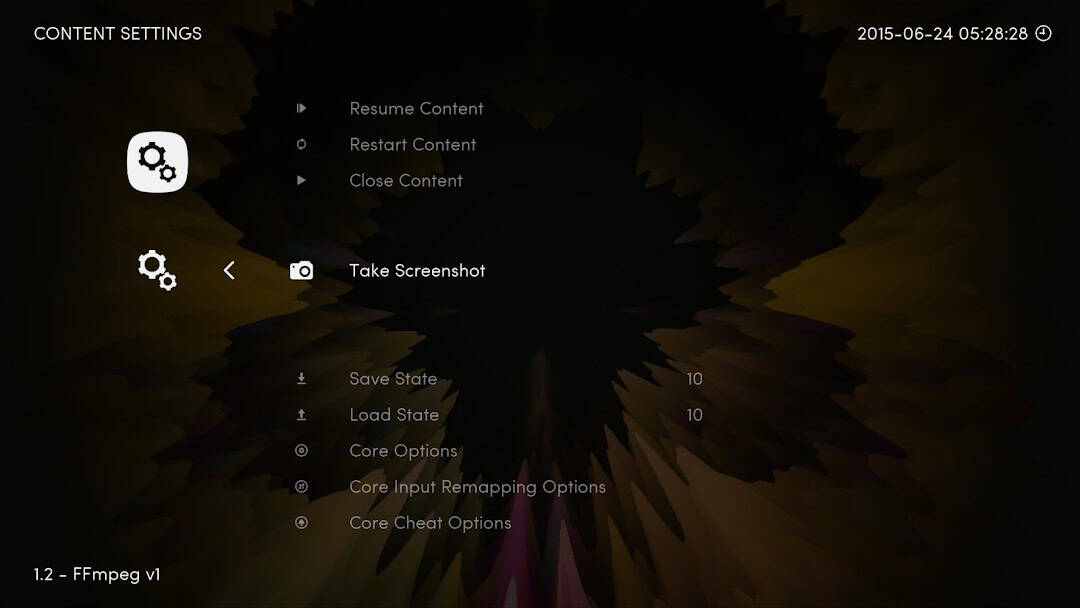
The real way to run mGBA on a phone is as a core inside a libretro frontend such as RetroArch or Lemuroid. A core is the actual emulator; the frontend is the shell that loads it. With RetroArch you select the mGBA core (the Google Play build ships its cores bundled in and has no Core Downloader, so if a build doesn’t include mGBA, RetroArch’s official site APK adds the downloader), then point it at a game you own; Lemuroid uses the same mGBA libretro core as its GBA engine with far less setup. It works because the frontend handles the interface, controllers and shaders while mGBA does the emulation underneath. One caveat is that mGBA’s own FAQ notes the libretro core isn’t always kept in sync with standalone mGBA and can still carry bugs already fixed upstream, so treat it as the open-source option rather than automatically the most accurate one. The cost is the setup, because RetroArch’s first run is intimidating, with menus for cores, folders and options that Pizza Boy hides entirely. Choose this path because you want the open-source code and the tweakability, and skip it if you want to be playing in ninety seconds.
If you’re weighing which one fits you, here’s the split.
- Want the fastest path to a game? Pizza Boy A.
- Want the open-source route, with per-core accuracy tweaks, and don’t mind a setup evening? RetroArch (or Lemuroid) with the mGBA core.
The names to walk past
A few older GBA emulators still show up at the top of search results, and they deserve a quick, honest word rather than a place on the list.
- My Boy and John GBA are long-running paid apps that still work and are, in fact, still maintained. John GBA added Android 16 support in a July 2026 update, and My Boy was last updated in late 2025. They’re perfectly usable, but their interfaces feel dated next to Pizza Boy, and Pizza Boy’s free Basic build covers the same ground, so they’re no longer our first pick rather than being abandoned.
- Any GBA app that arrives with games already loaded. That’s bundled copyrighted ROMs, and those listings get removed from stores regularly. Walk past on principle and for stability.
- “Emulator” apps stuffed with ads and a cleaner tool. The ads are the product; the emulation is an afterthought.
- Anything preloaded with games. Walk past.
Emulation also won’t fix the things people quietly hope it will. It won’t get you the games, won’t add features the original cartridge never had, and won’t make a decade-old handheld title feel like a modern release. The single biggest upgrade to your experience isn’t an app at all, it’s a cheap Bluetooth controller, which turns a touchscreen approximation into something close to the real thing.
The legal line, stated plainly
Read this once and it saves trouble later. Clean-room emulator software, written without any of the console maker’s code, can be lawful to build and run. The files are the separate question: copying a game ROM or a BIOS you don’t have the right to copy is a copyright issue, and distributing encryption keys or circumvention tools raises separate problems under the DMCA’s anti-circumvention rules (Section 1201). Use only files you legally own and are allowed to copy, and don’t download or share ROMs, BIOS files, keys or circumvention tools. GBA is simpler than the disc-based consoles here because a Game Boy Advance emulator needs no separate BIOS to run, so in practice the game file is the main thing you have to own. An app being available on the Play Store is a store-policy decision, not legal immunity for any given use.
Frequently asked questions
Is Pizza Boy A or the Pro version worth paying for?
Basic is free and covers full-speed play, save states, fast-forward, slow motion and controllers, so start there. Pro’s case is narrow but real. If you switch between two devices and want your saves to follow you, or you want cheats and multiplayer, the roughly six-dollar upgrade earns its price. Fast-forward and slow motion are already in Basic, so they aren’t a reason to pay. If none of the Pro extras apply, Basic is not holding you back.
Is there a real standalone mGBA app for Android?
No, and this is the most common false lead in GBA emulation. mGBA’s team publishes no official Android app because none of its current developers works on mobile, per the project’s own FAQ. On a phone, mGBA exists only as a libretro core, loaded inside a frontend such as RetroArch or Lemuroid. Any store listing calling itself a standalone “mGBA” app is not the real project.
Do GBA emulators need a BIOS file like PlayStation emulators do?
No. Unlike PS1 or PS2 emulation, a Game Boy Advance emulator runs games without a separate console BIOS. Some emulators can optionally use a GBA BIOS for very slightly closer accuracy on a few games, but it isn’t required, and you shouldn’t go hunting for one. For nearly everyone, the game file is the only thing the emulator needs.
Will these run well on a cheap or older Android phone?
Yes. GBA is one of the least demanding systems to emulate, so even a budget or several-year-old phone plays the full library at full speed. This is the one place where hardware really doesn’t matter, which is exactly why GBA is a great system to start emulation with. For heavier consoles, our roundup of the best emulators for Android covers which systems actually need a powerful phone.
So which one?
If you skimmed to the end: install Pizza Boy A Basic, load one game you own, and only think about RetroArch or the Pro upgrade once you know what you’re missing. The accuracy route is there when you want it, and it’s genuinely better on the margins, but “the margins” is doing a lot of work in that sentence. For the reader who just wants to play Advance Wars on the bus, the polished app wins, and it isn’t close.

A tech Journalist and Photographer, Dhawal Sharma is a technology enthusiast who loves to research the latest innovations and technology. He has contributed to the Honor Community for a very long period and has crucial expertise in writing tech news and reviewing smartphones and laptops. Analyzing and bringing the facts about any piece of tech is what he loves the most. He is a great product photographer and is the Gizmopedia of TheLeaker. Find him on Facebook and Instagram, and you can also email him at [email protected].