
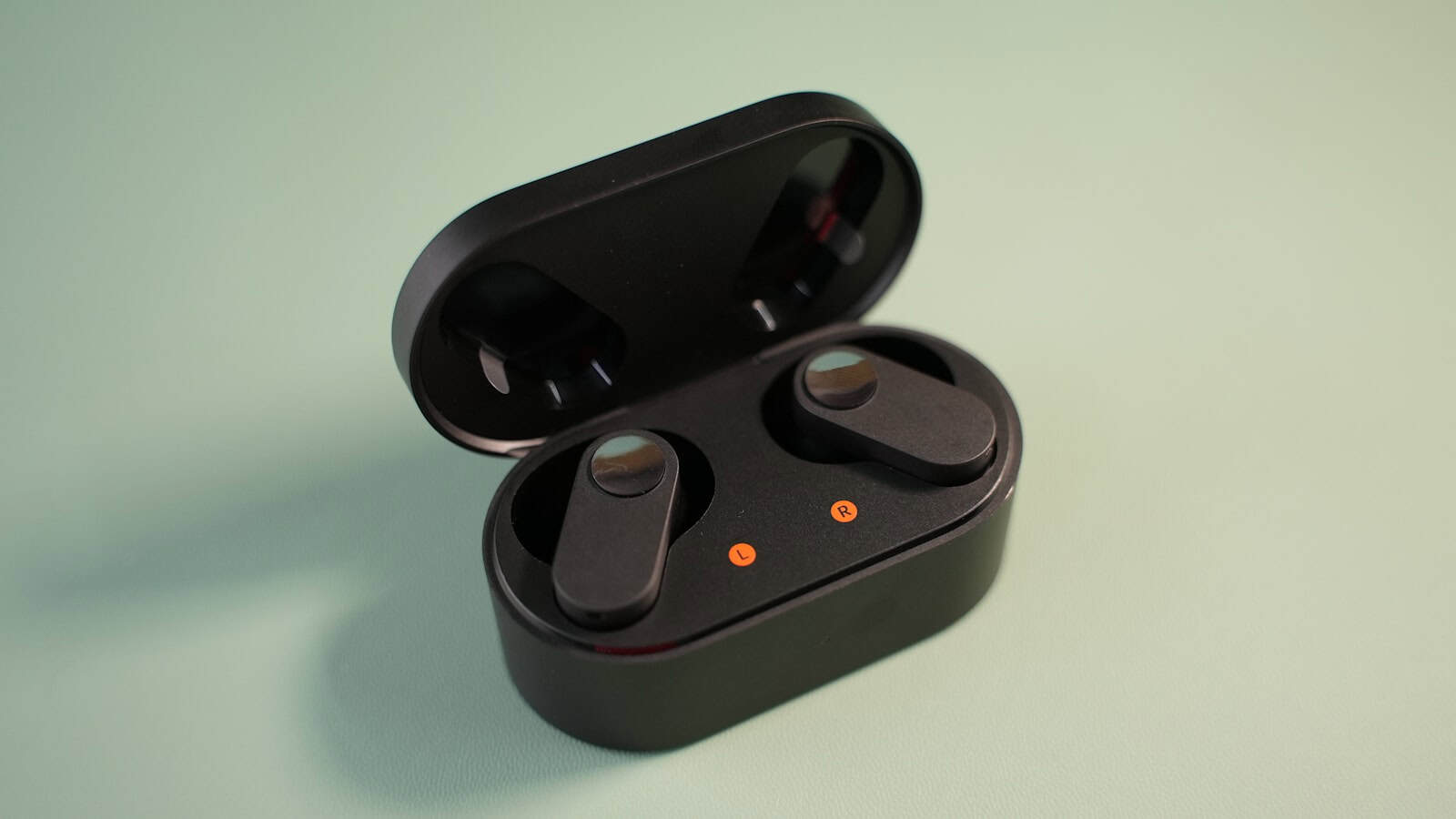
You spent decent money on wireless earbuds. They sound fine. But there’s a nagging feeling that “fine” isn’t what you paid for, and somewhere in the settings there’s a switch that unlocks the good stuff. Sort of true, actually.
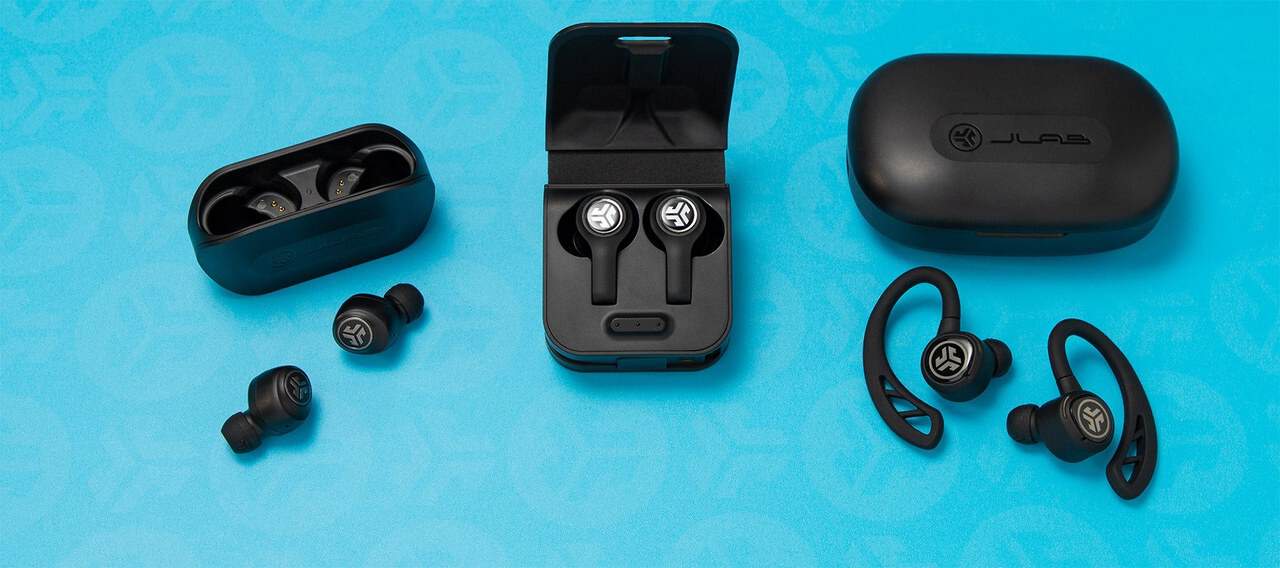
Android gives you more control over Bluetooth audio than most people ever discover, and a handful of it genuinely changes what you hear. The rest is placebo dressed up in acronyms. Let’s separate the two.
The quick answer: Bluetooth audio quality mostly comes down to the codec, which is the compression method your phone and earbuds agree on. Every device supports SBC as a baseline. AAC is common and works well on many devices. LDAC and the aptX family carry more data and can sound better, but only if both your phone and your earbuds support the same one. You can see and change the active codec in Android’s Developer options. Beyond codecs, the things that actually matter are a proper in-ear seal from the right tip size, turning off Absolute Volume if your volume steps feel wrong, keeping firmware updated, and disabling audio effects that muddy the sound. Codec swapping helps least. Ear tips help most.
What a codec actually is (in plain English)
| Codec | Support | Best for |
|---|---|---|
| SBC | Mandatory, every Bluetooth audio device supports it | The fallback, sounds fine on modern implementations |
| AAC | Widely supported, Apple’s default and common on Android | Everyday listening, though quality varies by phone |
| aptX family | Needs Qualcomm support on both phone and earbuds | Snapdragon phones paired with matching earbuds |
| LDAC | Sony’s codec, built into Android | Highest data rate, best on adaptive quality mode |
Bluetooth doesn’t have enough bandwidth to send raw, uncompressed audio. So your phone compresses the sound, sends it, and your earbuds decompress it. The rules for how that compression happens are the codec.
Both ends have to speak the same language. Your phone offers a list of codecs it supports, your earbuds reply with what they can handle, and the connection settles on the best one they share. If your earbuds only support SBC and AAC, it doesn’t matter that your phone supports LDAC. You’ll get AAC.
The names you’ll actually encounter:
- SBC is mandatory. Every Bluetooth audio device on earth supports it. It’s the fallback, and its reputation is worse than it deserves. Modern implementations sound perfectly good.
- AAC is widely supported and efficient. It’s the default on Apple devices and common on Android earbuds too. Its performance on Android has historically varied by phone, because the encoder is done in software and different chipsets handle it differently.
- aptX and its variants (aptX HD, aptX Adaptive) are Qualcomm’s codecs. They need Qualcomm support on both ends, which means they show up on a lot of Snapdragon phones and a lot of mid-to-high-end earbuds. Adaptive is the interesting one, because it shifts quality up and down based on how noisy the radio environment is.
- LDAC is Sony’s, and it’s the one Android enthusiasts get excited about. It carries substantially more data than SBC, and it has selectable quality modes. It’s built into Android, so plenty of non-Sony phones support it.
There are others, including brand-specific codecs Samsung and Huawei use with their own earbuds, which work brilliantly within their ecosystem and not at all outside it.
How to see and change your codec
This lives in Developer options, which is hidden by default. Here’s the unlock, and it’s the same on virtually every Android phone:
- Open
Settingsand go to About phone. - Find Build number and tap it seven times. On Samsung it’s under
About phone > Software information. On Xiaomi it’s usually MIUI version or HyperOS version you tap instead. - Enter your PIN when asked. You’ll get a message saying you’re now a developer.
- Go back to Settings. Developer options usually sits under System, though Samsung puts it at the very bottom of the main Settings list.
Inside Developer options, scroll to the Networking section and you’ll find a run of Bluetooth audio entries: Bluetooth audio codec, sample rate, bits per sample, channel mode, and an LDAC playback quality selector.
Connect your earbuds first, then open Bluetooth audio codec. Options your earbuds don’t support are greyed out, which is by far the fastest way to find out what they actually handle. The currently active codec is the one selected.
Two important caveats. First, these settings often reset when you disconnect and reconnect, because the negotiation happens fresh each time. That’s not a bug, it’s how the handshake works. Second, if you force a codec your connection can’t sustain, you get stuttering and dropouts instead of better sound. Which brings us to the honest part.
Does a better codec actually sound better?
Sometimes. Less often than the marketing suggests.
The codec sets a ceiling. It doesn’t determine what you hear underneath that ceiling. A pair of cheap earbuds with LDAC will not beat a well-tuned pair on AAC, because the limiting factor is the driver, the tuning, and the fit, not the transmission format.
Where codecs genuinely matter:
- You have decent earbuds and good source files. If you’re streaming a high-quality tier and your buds are properly tuned, the extra data has somewhere to go.
- Latency. This is the underrated one. Some codecs prioritise low delay, which matters enormously for gaming and noticeably for video. If lip-sync is off, codec choice is a real lever.
- Connection stability. The higher-bandwidth codecs are more fragile in crowded radio environments. On a packed train, a lower-bandwidth codec may sound better simply because it isn’t dropping out.
Where they don’t: podcast listening, most streaming at standard quality, phone calls (which use a completely different, much lower-quality mode regardless of your fancy codec), and any situation where your earbuds aren’t sealing properly.
The LDAC quality selector deserves a specific mention. It has options ranging from connection-priority to quality-priority, plus an adaptive setting. If you pick maximum quality and you’re walking around a city, expect stutters. The adaptive option is the sensible default for almost everyone.
The thing that actually transforms your sound: fit
If you take one thing from this article, take this. Ear tip size is worth more than every codec setting combined.
Bass depends on a seal. Without a seal, low frequencies leak out and your earbuds sound thin, tinny and quiet, and you compensate by turning the volume up, which makes everything worse. Most people use the medium tips that came pre-fitted, because that’s what was in the box, and a large chunk of them shouldn’t.
Try this test. Put the earbuds in, play music with real bass, and gently press each one slightly further into your ear with a fingertip. If the bass suddenly appears and the sound gets fuller, you don’t have a seal. Try the next size up. Also try different sizes in each ear, because ears aren’t symmetrical and plenty of people need a large on one side and a medium on the other.
Many earbuds have a fit test in their companion app that plays a tone and measures the seal. Use it. It takes 20 seconds and it’s the highest-value thing in this whole article.
Settings worth changing on Android
Absolute Volume
In Developer options there’s a toggle called Disable absolute volume. With Absolute Volume on (the default), your phone and earbuds share one volume scale. That’s usually what you want. But some earbuds pair badly with it, and you get a situation where volume step one is silent and step two is deafening, with nothing usable in between. Turning it off splits them into two independent controls, which gives you far finer adjustment. Toggle it, reconnect your earbuds, and see if the volume range feels more sensible.
Audio effects and “enhancers”
Samsung has Dolby Atmos and an equaliser under Settings > Sounds and vibration > Sound quality and effects. Xiaomi has its own sound enhancement stack. These can be pleasant or they can smear the sound depending on the earbuds and the track. Turn them off, listen for a few days, then turn them back on. If you can’t tell the difference, leave them off, because they add processing for nothing.
The earbuds’ own app
This is where the real EQ lives, and it’s usually better than the phone’s system-wide one because it’s tuned for those specific drivers. It’s also where firmware updates come from, and firmware updates for earbuds genuinely fix things: connection stability, ANC performance, touch sensitivity, and occasionally tuning. Check for one now. Most people never have.
Media volume limiter
Not a quality setting, a hearing setting. Android has a volume limit for media under sound settings. If you listen for hours a day, capping it is a good idea, and there’s a real audio benefit too: you stop pushing drivers into distortion at the top of their range.
Brand-specific notes
Samsung One UI: Galaxy Buds paired with a Galaxy phone use Samsung’s own codec and generally sound their best in that combination. The Galaxy Wearable app holds the EQ, ANC modes and firmware. Samsung also offers a dual-audio feature that sends sound to two Bluetooth outputs at once, which halves the available bandwidth, so expect a codec downgrade while it’s active.
Pixel: Google’s phones support LDAC and the standard set. Pixel Buds settings live inside the Settings app itself rather than a separate app on recent versions, under connected device details.
Xiaomi HyperOS: some models include an audio effects layer that’s on by default and fairly heavy-handed. Worth auditing under sound settings.
Myths to let go of
“Bluetooth ruins audio quality.” It used to be a fair complaint. Now, for the vast majority of listening, the compression is not the weak link. Your ear tips, your earbuds’ tuning and your source quality are.
“Higher numbers always sound better.” A codec advertising more data doesn’t help if your earbuds’ drivers can’t resolve the difference, or if the connection can’t sustain it and drops to a lower rate anyway.
“Codec matters on calls.” It doesn’t. Voice calls switch to a dedicated low-bandwidth mode, which is why music sounds noticeably worse the moment a call connects. That’s normal and unavoidable.
“Forcing LDAC makes any earbuds better.” If they don’t support it, the option is greyed out. If they do and the environment is noisy, forcing the highest quality mode makes things worse, not better.
A sensible setup routine
Fit the right tips and run the app’s fit test. Update the earbud firmware. Check the active codec once, just to know what you’re on. Leave LDAC on adaptive if you have it. Turn off system-wide audio effects and use the earbuds’ own EQ if you want tuning. Then stop fiddling and listen to music. If you’re setting up a new phone, this is a good moment to redo the pairing properly rather than carrying over old settings, and our guide to moving everything to a new Android phone covers what carries across and what doesn’t.
FAQ
Why does my codec keep resetting to SBC?
Because codec selection is negotiated fresh on every connection, and the Developer options choice is a request rather than a permanent setting. If it consistently lands on SBC when a better option is available, the usual causes are a weak signal, a crowded 2.4GHz environment, or a firmware quirk. Update the earbuds, unpair and repair them, and try again away from other wireless devices.
Can I use one earbud on its own?
On most modern earbuds, yes. Take one out of the case and it connects as a mono device. Some older or cheaper models designate a primary bud that must be connected first, so the secondary won’t work alone. Check the manual. Battery lasts noticeably longer this way, which is handy for long calls.
My earbuds cut out in busy places. Can I fix it?
Partly. The 2.4GHz band is crowded in public spaces and there’s a limit to what any device can do. Practical steps: switch to a lower-bandwidth codec or set LDAC to connection priority, keep your phone in a front pocket rather than a back pocket or bag since your body blocks the signal, and update firmware. Dropouts that only started recently often point to a software change rather than the environment.
Does Bluetooth audio drain my battery a lot?
Less than you’d think. Bluetooth audio is one of the more efficient things a modern phone does, and the higher-bandwidth codecs cost a little more but not dramatically. If your battery is falling off a cliff, the cause is almost certainly elsewhere, and it’s worth checking background app behaviour and the settings that quietly affect performance before blaming your earbuds.

Hello, folks, my name is Akshay, and from the beginning, I like to play with the latest phones, gaming consoles, PCs, Laptops’s and whatnot. When I get spare time, I like to do Photography, and you will always find me playing with Photoshop, Lightroom, Premiere Pro, etc. In Love with Gadgets, my gear Motorola Moto G5 Plus. You can contact him on akshaydua[@]theleaker.com.