

If AirPlay is showing the picture but playing no sound, the problem is on the receiving end far more often than in AirPlay itself. On a TV, the set or the soundbar attached to it is muted, turned down, or on the wrong input. On a Mac sending the stream, the sound output can still be the Mac’s own speakers. Apple’s entire published advice for this is one line: make sure the volume is up and not muted on both devices. That is correct, and the sections below cover the cases it leaves out, because a video that plays proves the connection is fine and points the fault straight at audio routing.
First, which of these is happening?
| What you see | Where to go |
|---|---|
| Video on the TV, no sound at all | The receiver and soundbar section |
| Sending from a Mac, sound stays on the Mac | The Mac output section |
| Sound plays, but from a HomePod or another room | The Home audio section |
| Audio was fine, then cut out mid-play | The Home audio section |
Start where the sound is actually made
Apple’s one instruction for this is to “make sure that the volume is turned up and not muted on both” the sending device and the TV or receiver. Do that first. It costs nothing and rules out the simplest cause. The catch is that on many setups the TV is not the thing making sound.
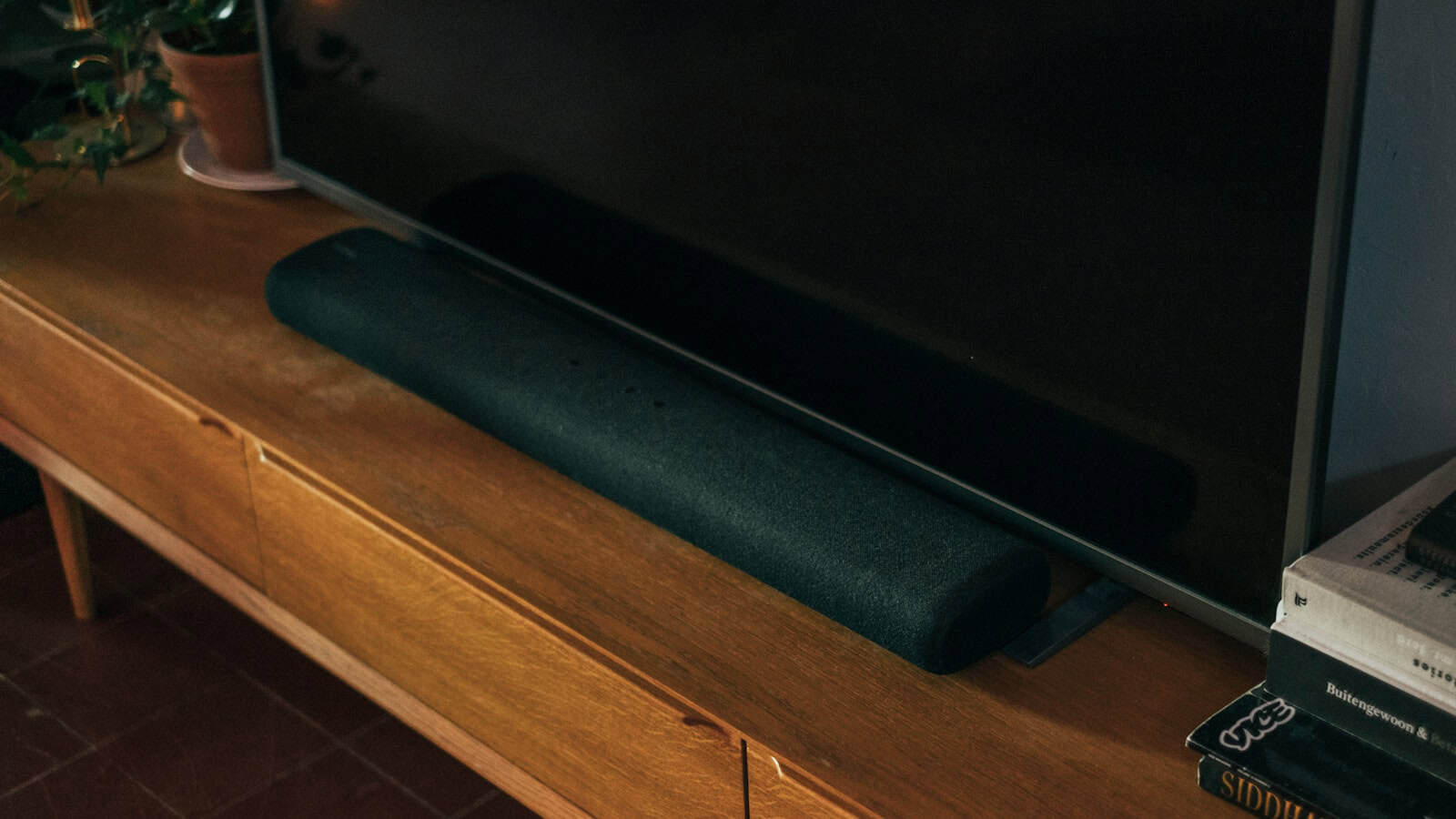
If a soundbar or an AV receiver is connected to the TV over HDMI, the device that is muted or on the wrong input is that soundbar, controlled by its own remote, not the TV. AirPlay hands the audio to the TV, and the TV passes it on. Check the volume, mute and input on whatever box actually drives your speakers, and check that any external audio system is powered on. Apple’s one line does say to check your television “or receiver”, so the receiver is named, but that page stops there. It says nothing about the receiver having its own input selection, its own remote, or the TV handing the sound onward to it.

If I had to bet before seeing your setup, I would put money on the soundbar on the wrong HDMI input. It is the least obvious box on that path, and people forget it has its own remote.
On a Mac, the sound can stay on the Mac
When you mirror or stream from a Mac, the audio is meant to follow the picture, and it does not always. Steer it by hand: click the AirPlay icon in the app’s playback controls and select the destination device, whether that is the TV, a speaker or the Mac. If the destination is set to the Mac’s own speakers, the TV shows the picture in silence. This is a Mac-only step, and it catches people who assume mirroring moves everything at once.

When the sound goes to the wrong place, or stops dead
If the audio plays but comes from a HomePod or another room, or it stops the instant you do something else, the Home app is where to look. Apple explains that the Home app “might be using your HomePod, Apple TV, or AirPlay-compatible speaker as the main audio source”, even when that device is not playing. In that state, using Siri on that device or starting another task can stop playback everywhere. The fix is to pick the audio target deliberately in Control Center or the app, rather than letting the Home app route it to a default speaker.
What version rules out
One thing you can cross off immediately: this is never a software-version problem. Apple requires only iOS 11.4 or later to send audio, which is lower than the iOS 12.3 needed for video. So any device new enough to send the picture you are seeing is already new enough to send the sound. If video plays, version is not why the audio is missing.
What does not work
- Reinstalling the streaming app. Reinstalling does not change the AirPlay destination, and the destination is what is wrong.
- Disconnecting and reconnecting AirPlay repeatedly. If the sound is going to the wrong output, each reconnect sends it to the same wrong output.
What this will not fix
- A TV set to send audio to an external system that is switched off. Turn the soundbar or receiver on.
- An HDMI-ARC handshake fault between a TV and a soundbar. That is an HDMI problem, not an AirPlay one.
- A muted receiver you do not control.
Frequently asked questions
Why does AirPlay show video but no sound?
Because the picture and the audio can end up in different places. The video reaches the TV while the sound is muted on the TV or its soundbar, or, from a Mac, is still set to come out of the Mac. Apple’s own requirements put audio at iOS 11.4 and video at 12.3, so a playing picture proves the fault is in the audio routing while the connection clearly works.
My AirPlay audio keeps stopping on its own. Why?
The Home app may be treating a HomePod or Apple TV as the main audio source, so an action on that device stops playback everywhere. Choose your audio target deliberately in Control Center instead of leaving it on the Home default.
Is no sound over AirPlay a network problem?
Rarely. If the video is playing, the network connection is clearly working, which is exactly what makes a no-audio case different from a TV that never appears. Start with volume, mute and the audio output device before the router.
If the TV never shows up at all rather than just losing sound, that is a discovery problem with different fixes. Our guide to AirPlay not working on Roku walks through that case for Roku devices, and the same network checks apply to other brands.

A tech Journalist and Photographer, Dhawal Sharma is a technology enthusiast who loves to research the latest innovations and technology. He has contributed to the Honor Community for a very long period and has crucial expertise in writing tech news and reviewing smartphones and laptops. Analyzing and bringing the facts about any piece of tech is what he loves the most. He is a great product photographer and is the Gizmopedia of TheLeaker. Find him on Facebook and Instagram, and you can also email him at [email protected].