
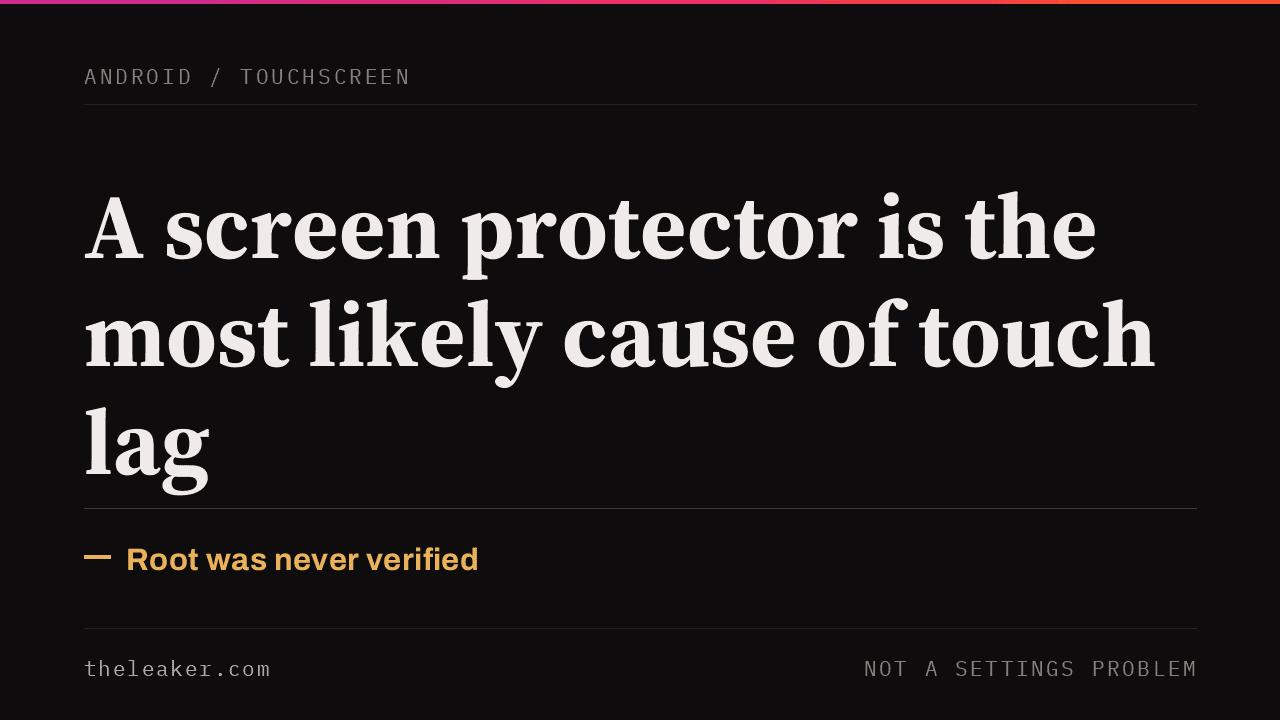
The most common cause of touchscreen lag on a modern phone is a screen protector, not a software setting. A poorly fitted protector, trapped air or dust underneath it, or simply a thicker film than your phone was calibrated for all reduce how well the digitizer senses your finger. Remove it and test before anything else. If the phone is fine without a protector, check Settings for a Touch Sensitivity toggle, since Samsung phones running One UI have shipped one for exactly this situation. The interrupt-affinity method this article used to recommend needed root access, had no verified source for its claimed improvement, and is not something the current root-enthusiast community even uses anymore.
Rule out the screen protector first
Remove it entirely and use the phone bare for a few minutes. A film with trapped air bubbles under it, a peeling edge, or a protector installed over another protector all add distance between your finger and the digitizer sensor, and thickness that phone was never calibrated for reduces sensitivity in exactly the way that reads as lag. If responsiveness improves immediately with the protector off, the phone itself was never the problem.
Check for a built-in touch sensitivity setting
Samsung phones running One UI have a dedicated toggle for this: Settings, then Display, then Touch Sensitivity. Samsung’s own support documentation describes it as built specifically to compensate for a screen protector or for using the phone with gloves on, and it is present across most current Galaxy models, though not guaranteed on every single one. If your phone is a different brand, check Display or Accessibility settings for anything similarly named; this specific setting is a One UI feature rather than a universal Android one.
If neither of those is the cause
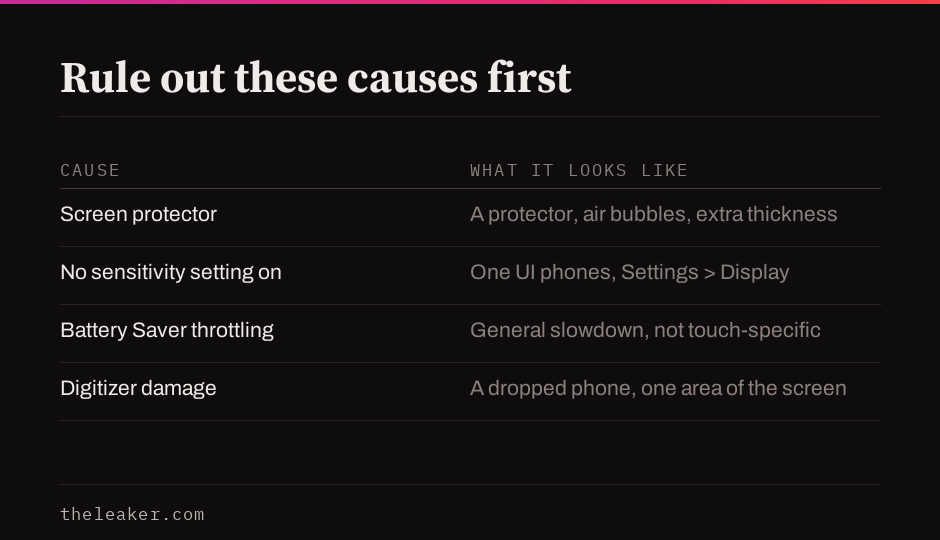
Three other things produce the same symptom and are worth ruling out before assuming the digitizer itself has failed.
Battery Saver mode. Android’s power-saving modes throttle CPU and GPU performance to extend battery life, and a throttled phone feels generally sluggish across the whole interface rather than in touch input alone. Turn it off and see whether the lag goes with it.
Background load. A phone under heavy RAM or CPU pressure from other apps responds to everything more slowly, including touch. Restarting the phone clears this more reliably than closing individual apps does.
Physical digitizer damage. A phone that was dropped, even without visible screen cracking, can have a digitizer layer that is partially disconnected or damaged, which shows up as inconsistent touch response in a specific area of the screen rather than everywhere. This is a hardware repair, not a setting.
What this article used to recommend, and why it is gone
The original version of this guide required root access and had you find your touch driver’s interrupt number with a terminal command, then manually reassign it to a specific CPU core, claiming a 10 to 15 percent improvement. That specific figure had no cited source then and none could be found now. The technique itself still exists at the kernel level on a rooted phone, but it is not what the current root-enthusiast community actually uses for this: recent discussion on root-focused forums centers on Magisk modules that raise the touch controller’s sampling rate instead, a more direct and better-documented change than nudging interrupt affinity. Either approach requires root, which carries its own real costs, including voiding your warranty and breaking the Play Integrity checks some banking apps rely on, for a niche fix when a screen protector is the far more common actual cause.
Frequently asked questions
Do I need root access to fix touch lag? Almost never. Screen protector issues, the Touch Sensitivity toggle, and Battery Saver throttling are the common causes, and none of them need root.
My phone has no Touch Sensitivity setting. Does that mean it cannot be fixed? That setting is specific to Samsung’s One UI. On other brands, ruling out the screen protector and checking Battery Saver still cover the two most common causes.
How do I tell a screen protector problem from actual digitizer damage? A protector issue affects the whole screen evenly and disappears the moment you remove the protector. Digitizer damage is usually confined to one area of the screen and persists with or without a protector.

Akshay Mhatre is a Tech Journalist who likes to keep up with the latest from the tech world. He has worked at many popular news portals like BGR and TechRadar before joining TheLeaker as a News writer and journalist. A writer by day and a VFX artist by night. In his free time, he also likes to make motion graphics and concept art. You can find him on Instagram @akshayrazr_95 and contact him on akshaymhatre[@]theleaker.com.