
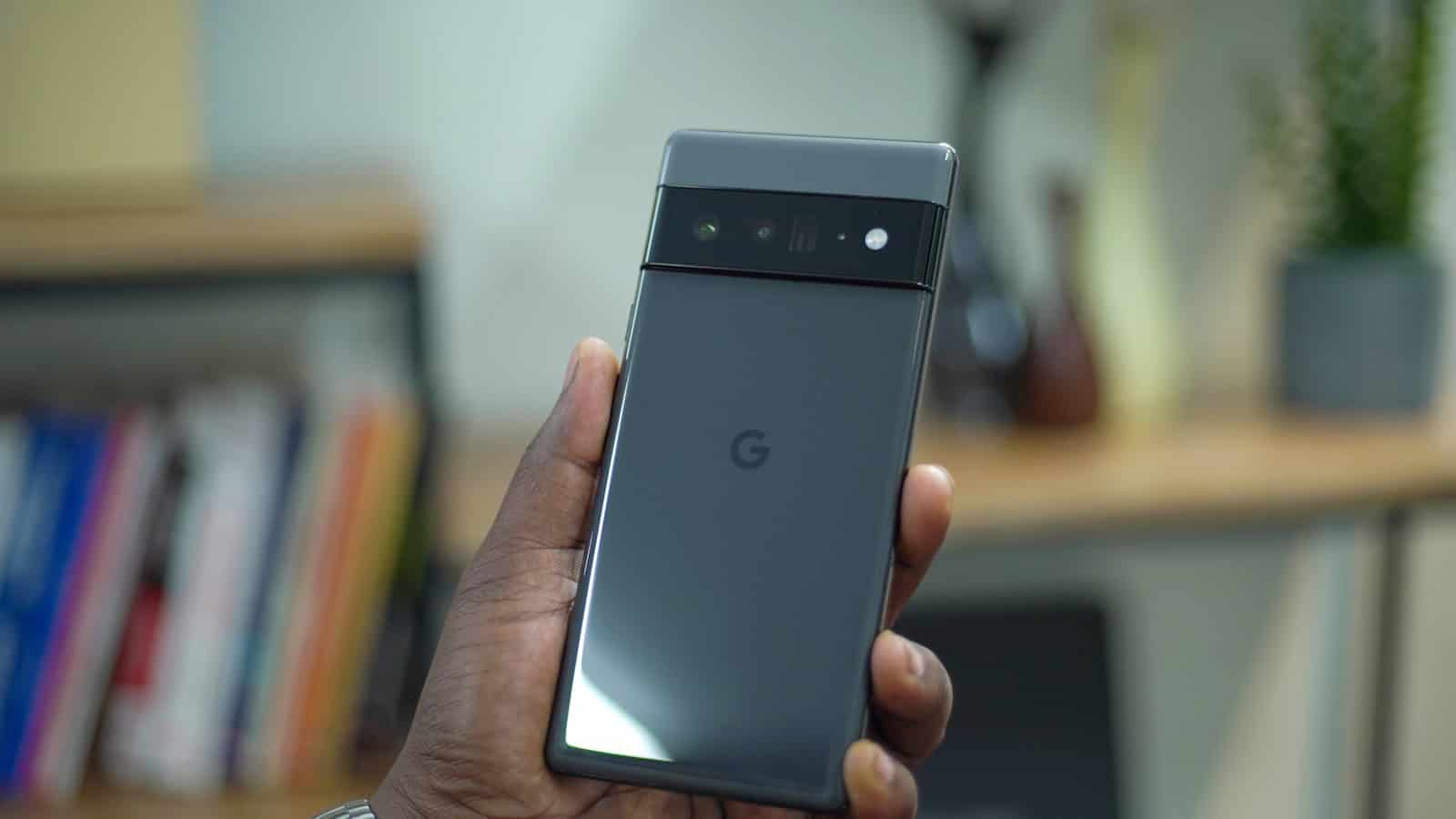
Google changed three things on your Android phone this week and none of them showed up as a system update. Play services moved to v26.30, the Play Store to v52.6, both on 3 August, and Chrome for Android reached 151 on 5 August. These ship through Google Play rather than through your manufacturer, so there is no update prompt, no restart, and no changelog on your screen. The practical result is that your phone behaves slightly differently this week than it did last week, and nothing told you.
What actually changed
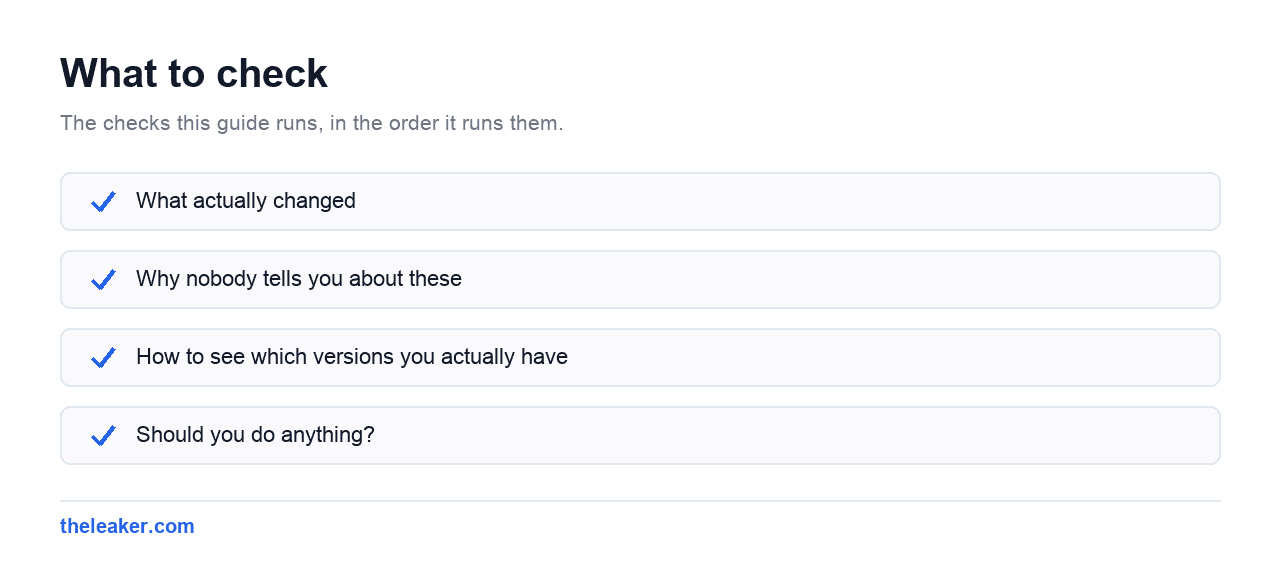
Google Play Store v52.6. The visible change is that popular movies and TV shows now surface directly in Play Store search results, so a broad search returns video alongside apps. Google also lists a branding update to what it calls the HSDP persistent overlay affordance. Both are documented in Google’s own system update changelog, dated 3 August 2026.
Google Play services v26.30. One user-facing item is listed, an improved experience for Wallet passes on phones. Google does not describe what changed about it, which is normal for this changelog.
Chrome 151 for Android, version 151.0.7922.83, was announced on the Chrome Releases blog on 5 August. Google describes it as stability and performance improvements and points to the Git log for the full list. It rolls out through Google Play over several days, so yours may not have it yet.
Why nobody tells you about these
Android splits updates into two streams that behave very differently.
Your manufacturer controls the system update, the one that announces itself, asks to restart, and arrives every month or two. Google controls the other stream, which reaches your phone silently through the Play Store. Play services in particular sits underneath most of what your phone does, including location, payments, sign-in and notifications, so a change there can alter behaviour without a single visible prompt.
That split is the reason coverage is thin. There is no announcement to react to, no keynote, and the changelog is a support page rather than a blog post. Most people find out that something changed when a screen they use every day looks different.
How to see which versions you actually have
You can check both, and it takes about a minute.
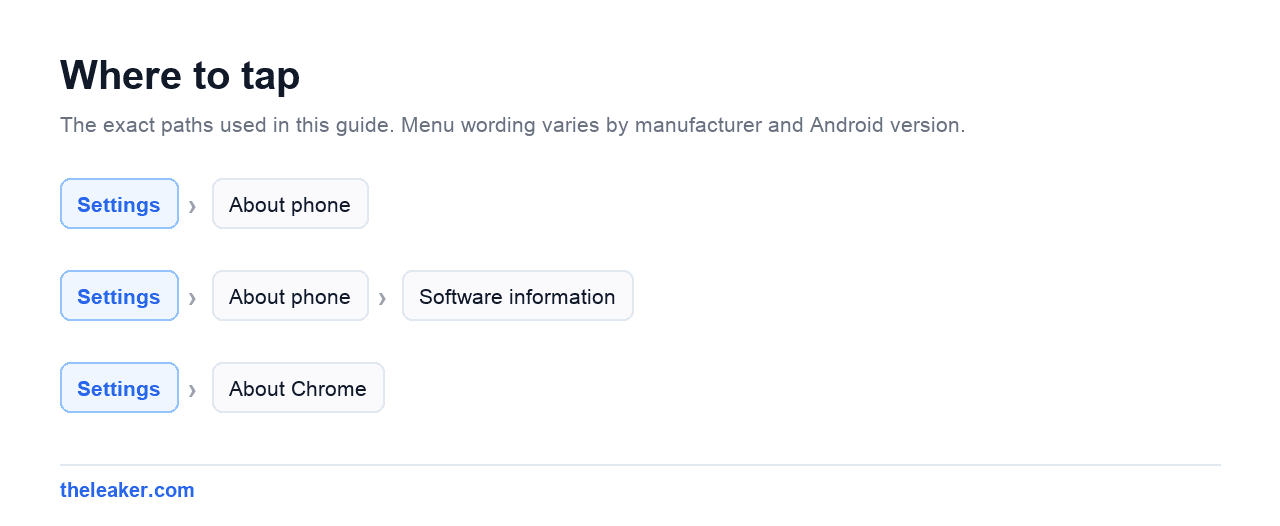
- Play system update level: open Settings, then About phone, then look for Android version. The Google Play system update date appears on that screen. On Samsung devices the same information sits under Settings, then About phone, then Software information.
- Play Store version: open the Play Store, tap your profile picture, then Settings, then About. The build number is listed there.
- Chrome version: open Chrome, tap the three dot menu, then Settings, then About Chrome.
Menu wording varies between manufacturers and Android versions, so treat those as the usual locations rather than a guarantee.
These two get confused constantly. The Google Play system update date is not your security patch level, and the two often differ by weeks. If you are checking whether you have this month’s security fixes, that is the separate Android security patch level line on the same screen.
Should you do anything?
No, and that is the honest answer. All three arrive on their own, staggered across the user base over days or weeks, and there is no supported way to pull them forward. Force stopping the Play Store or clearing its cache does not fetch a new version, whatever you may read elsewhere.
The reason to know about them is different. When a setting moves, a payment sheet looks unfamiliar, or search starts returning results you did not expect, this is usually why, and it is not your phone developing a fault.
Related: Samsung August Security Update: 8 Critical Fixes, and a Number That Does Not Add Up
A tech Journalist and Photographer, Dhawal Sharma is a technology enthusiast who loves to research the latest innovations and technology. He has contributed to the Honor Community for a very long period and has crucial expertise in writing tech news and reviewing smartphones and laptops. Analyzing and bringing the facts about any piece of tech is what he loves the most. He is a great product photographer and is the Gizmopedia of TheLeaker. Find him on Facebook and Instagram, and you can also email him at [email protected].