

Steam has native DualShock 3 support built in now, so for most games you don’t need MotionJoy, SCP Toolkit, or any separate driver package at all. Plug the controller in with a USB cable, open Steam, go to Settings, then Controller, then General Controller Settings, and turn on PlayStation Configuration Support. Steam detects the controller and handles input translation itself, for both Steam games and non-Steam games added to your library. Steam has to be running in the background for this to work, since it’s a client-side feature, not a system driver.
Setting up your DualShock 3 through Steam
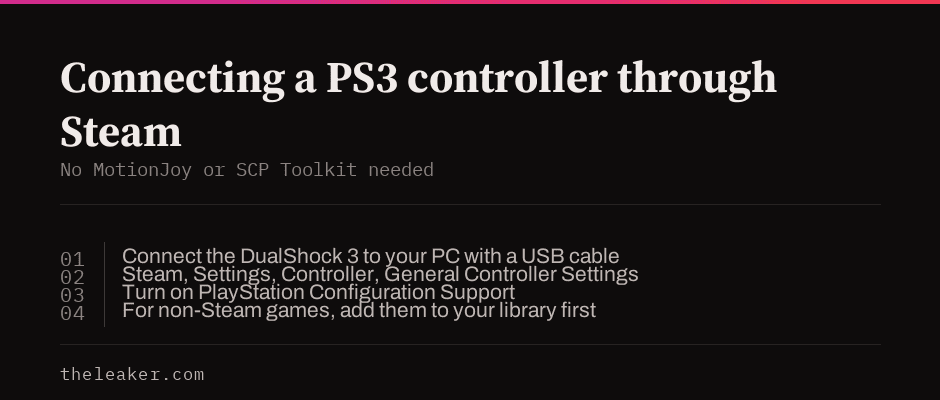
Connect the controller to your PC with a USB cable. Per PC Gamer’s current guide, Windows recognizes it natively as a controller, no separate driver install needed for basic detection. Open Steam, go to Settings, then Controller, then General Controller Settings, and check the box for PlayStation Configuration Support. From here Steam can remap the controller’s inputs for whatever game you’re playing, including games that weren’t built with a PlayStation controller in mind.
To use it with a game outside Steam’s library, add that game as a non-Steam game first (Steam, then Add a Non-Steam Game to My Library), then launch it through Steam so Steam Input can intercept and translate the controller’s signals.
What Steam Input doesn’t do
Two real limitations, not just theoretical ones. Gyro controls on the DualShock 3 aren’t supported through Steam Input. Neither are the pressure-sensitive analog face buttons, a DS3-specific feature most games never used anyway. If you specifically need either of these, Steam Input isn’t the tool.
If you need more than Steam Input offers
DsHidMini. A modern, actively maintained, digitally signed DS3 driver from Nefarius Software Solutions, the same developer whose earlier SCP Toolkit work most old guides pointed to. Install DsHidMini for USB, and add BthPS3 alongside it if you want Bluetooth. Because it’s signed, it doesn’t require disabling Windows’ driver signature enforcement, a real security tradeoff that unsigned old drivers force on you.
reWASD. A paid remapping tool that supports the DS3 with full analog trigger support, useful if you want deep customization beyond what Steam Input or DsHidMini offer.
Why this article no longer recommends MotionJoy
MotionJoy hasn’t been updated since 2013 and its official site is gone. Its installer has a documented history of loading a separate third-party site and carrying trojan reports, a real safety concern, not just an outdated-software one. Installing unsigned, abandoned drivers like MotionJoy or the original SCP Toolkit also typically requires disabling Windows’ driver signature enforcement system-wide, weakening a real security protection to run software that hasn’t been maintained in over a decade. Steam Input or DsHidMini cover what MotionJoy used to do, without either tradeoff.
Frequently asked questions
Do I still need MotionJoy to use a PS3 controller on PC? No. Steam’s built-in PlayStation Configuration Support covers most games natively, and DsHidMini is the actively maintained alternative for anything Steam Input doesn’t handle.
Does my PS3 controller need Steam running to work? For Steam Input specifically, yes, it’s a client-side feature. If you install DsHidMini instead, the controller works at the system level without Steam needing to be open.
Can I use gyro controls from my PS3 controller on PC? Not through Steam Input as of this writing. That’s a genuine current limitation, not a setup mistake.

Akshay Mhatre is a Tech Journalist who likes to keep up with the latest from the tech world. He has worked at many popular news portals like BGR and TechRadar before joining TheLeaker as a News writer and journalist. A writer by day and a VFX artist by night. In his free time, he also likes to make motion graphics and concept art. You can find him on Instagram @akshayrazr_95 and contact him on akshaymhatre[@]theleaker.com.