
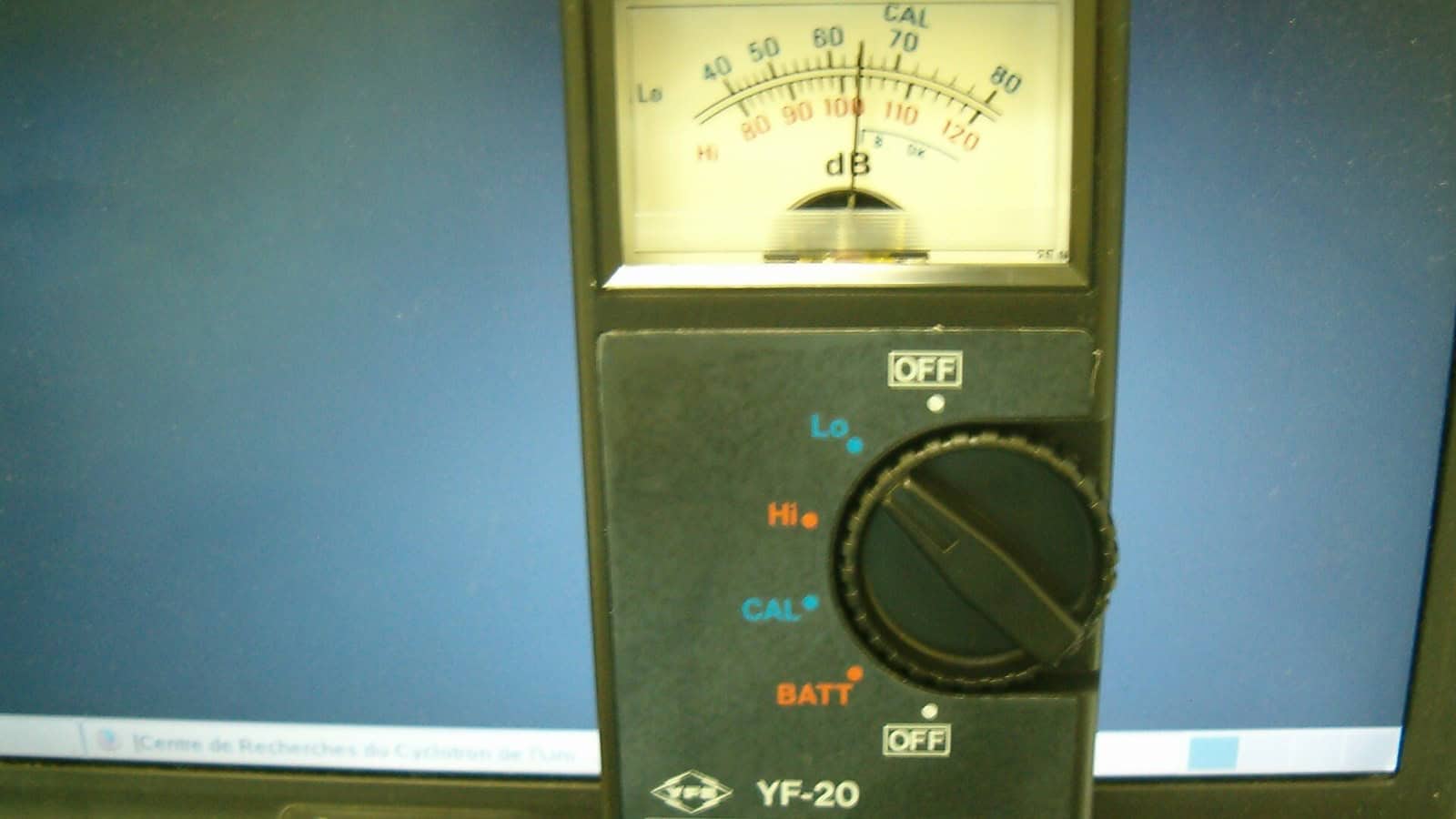
The short answer: a decibel meter app is a good screening tool, not a measuring instrument, because a phone’s microphone is not calibrated the way a real sound level meter is. For a quick check of how loud a room, a concert or a gym is, Decibel X and similar apps are fine and free. If you need readings you can actually lean on, NIOSH’s own validated iOS app, the NIOSH Sound Level Meter, is the closest a phone gets, and only on iPhone, and even NIOSH says it should not replace a professional meter. On Android, accuracy swings with the handset, so treat every number as a ballpark.
The whole category runs on one uncomfortable fact, so it is fairest to lead with it. Your phone’s mic was built to capture voices for calls, not to measure sound pressure, and it was never calibrated against a reference tone at the factory. That is why two phones held side by side can disagree by several decibels, and why no app can promise a precise reading. Everything below is about getting the most useful answer out of that limitation, and knowing when the app is not enough.
Match the app to the job
There is no single “best” decibel app, because a person checking whether a restaurant is too loud and a person documenting workplace noise need different things. Sort by the job first.
Job 1: a quick loudness check
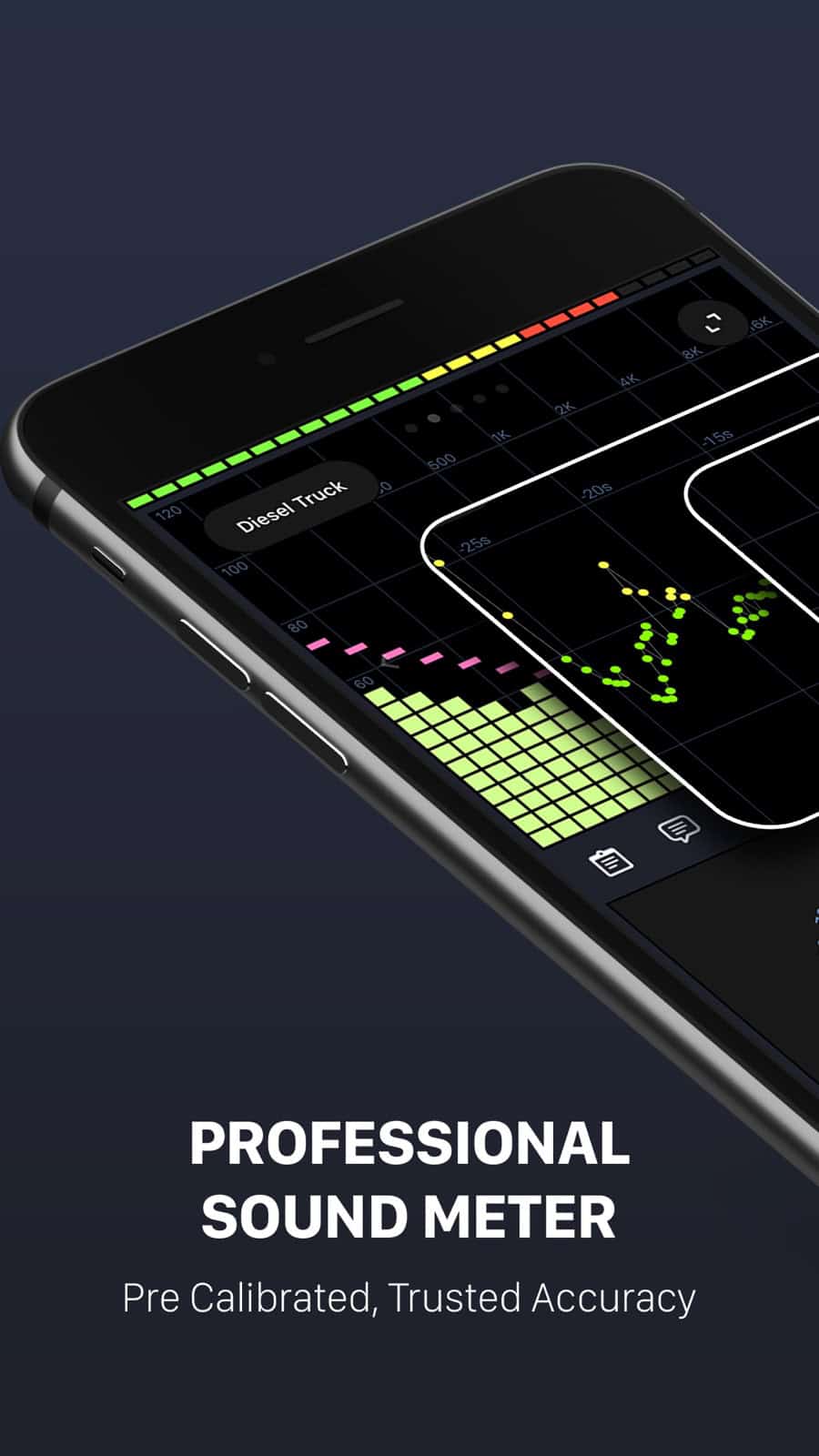
For “is this bar as loud as it feels”, almost any well-reviewed app does the job, and Decibel X is the common pick on both iPhone and Android. It shows a live reading, a running maximum, and A and C weightings, which are just two standard ways of filtering the sound to match how ears respond. Skypaw, the developer, says the app ships pre-calibrated for many devices and lets you trim the reading up or down by hand, a claim you can read on its product page. Take that as the vendor’s own statement rather than an independent result. For a quick check that is usually enough: you are trying to tell 70 from 95 decibels, and a suitable app may flag a difference that large, though how close the number lands still depends on the phone and the app.
Job 2: logging a level over time
If you want to track how loud something is across minutes or hours, a nursery at night, a noisy neighbor, a commute, you want an app that records a history with timestamps and an average, not just a live needle. Decibel X and several rivals offer this, and the feature to look for is a saved log or a graph you can export, and the size of the on-screen number matters far less. The caveat from Job 1 still holds. A logged average from an uncalibrated phone is a consistent estimate, useful for spotting patterns and relative change, and not a figure you could take to a landlord or an employer as proof.
Job 3: as close to a real measurement as a phone gets
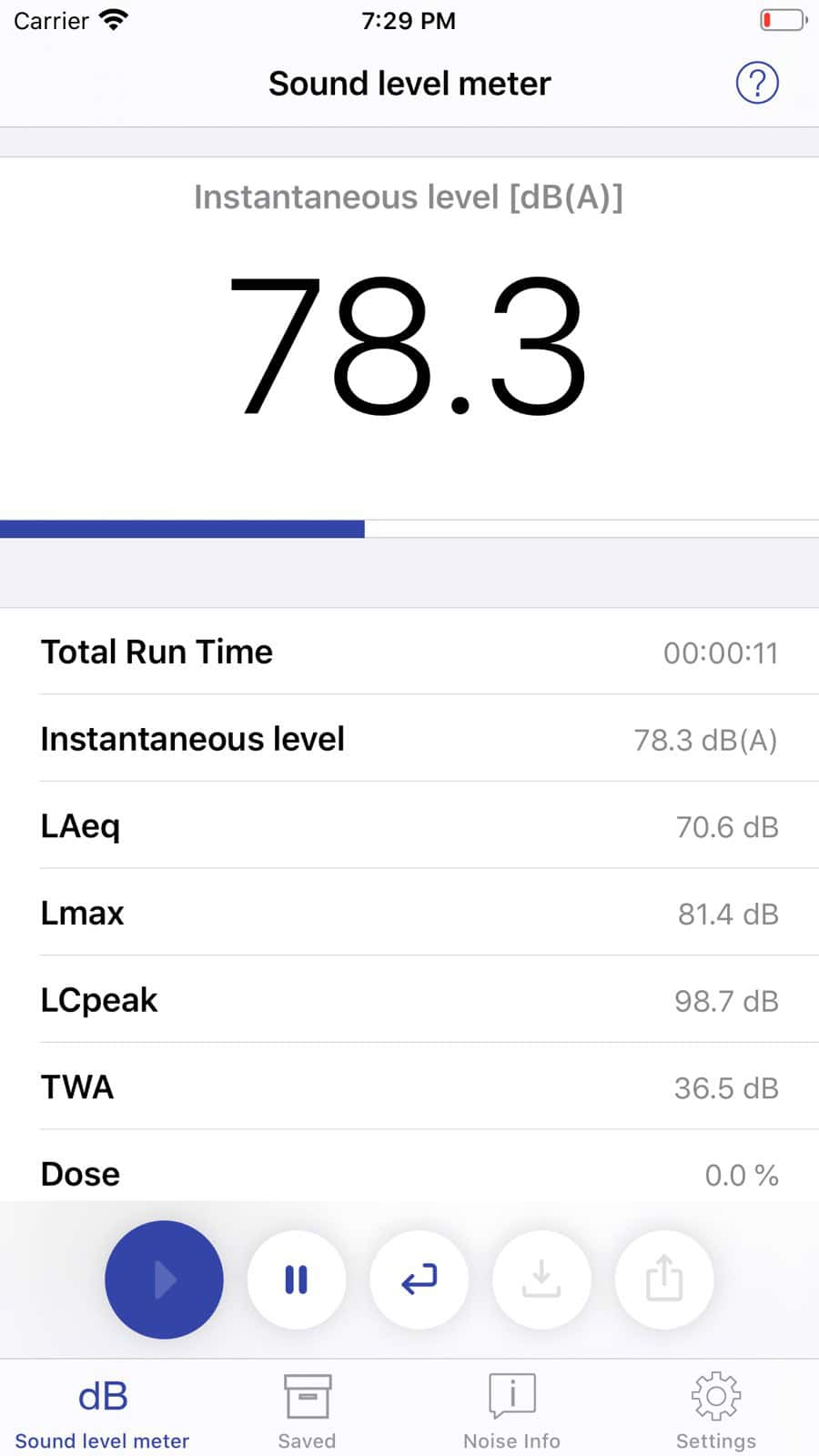
This is where the apps stop being interchangeable. The NIOSH Sound Level Meter, built by the US National Institute for Occupational Safety and Health, is the agency’s own validated reference app, tested under documented laboratory conditions. NIOSH measured it at within plus or minus 2 dBA in a reverberant chamber, and a published evaluation found that with a compatible calibrated external microphone it came within plus or minus 1 dB across 65 to 95 dB SPL under those specific test conditions, at which point it meets the Type 2 requirements of the IEC 61672 sound-level-meter standard. NIOSH documents the app on its Sound Level Meter app page. Two hard limits come with it. It is iPhone-only, with no Android version, and NIOSH states plainly that the app is not intended for compliance and does not replace a professional sound level meter. So it is the most trustworthy option here, and it is still not a legal instrument.
Why Android and iPhone are not the same story
It is tempting to rank these apps in one list across both platforms, and that is a mistake. Apple sells a small, known set of iPhone models, so an app maker can calibrate against most of them, which is exactly how NIOSH validated its app only on iOS. Android spans thousands of devices with different microphones, mic placements and audio processing, so the same app that reads well on one Android phone can be off on another. A 2025 study in Cureus that tested Android noise apps found the error grew sharply at high sound levels. The practical takeaway: an Android decibel reading is a rougher estimate than the same app’s iPhone reading, and no Android app has NIOSH-grade validation behind it. If accuracy is the point and you have an iPhone, use the NIOSH app; if you are on Android, calibrate your expectations down.
How to make any reading less wrong
You cannot turn a phone into a Type 1 meter, but you can stop throwing away accuracy you had.
- Take the case off, and don’t cover the microphone with a finger or a table edge. A muffled mic reads low.
- Calibrate against a known source if the app allows it. If you can borrow a real sound level meter for five minutes, set your app to match it in the environment you care about, then trust it only in similar conditions.
- Use an external calibrated microphone for anything serious. In the published evaluation, that is what took the tested NIOSH app from within 2 dBA to within 1 dB across 65 to 95 dB SPL, though that result belongs to that specific app and microphone under lab conditions, not to phones in general.
- Average, don’t chase peaks. A single spike when a door slams tells you little; a sustained level over a minute tells you what your ears are actually taking.
What a decibel app will not do
This is a hearing-health topic, so the boundaries matter more than usual.
- It will not prove a legal or workplace noise violation. Compliance measurement needs a calibrated Type 1 or Type 2 meter and a trained operator, which NIOSH says its own app is not a substitute for.
- It will not diagnose hearing damage. If your ears ring or feel dulled after loud exposure, that is a question for an audiologist, and an app reading has nothing to say about it.
- It will not replace hearing protection. Knowing a level is 100 decibels does not lower it.
One number worth carrying, because it turns a reading into a decision: NIOSH sets its recommended exposure limit at 85 decibels averaged over an 8-hour day, and the safe exposure time roughly halves for every 3-decibel increase above that. So if an app puts a place well into the 90s and you spend hours there, the reading has done its real job. It has told you to get out or put in earplugs, even if the exact figure is off, and on unvalidated Android hardware it can be off by a good margin, which is all the more reason to act conservatively on a high reading. For broader phone-tool guides in the same vein, our Android guides hub collects the ones we have tested and written up.
Frequently asked questions
Are decibel meter apps accurate?
Close enough to screen with, not accurate enough to certify. Independent testing found phone apps can land within a few decibels of a real meter in good conditions, and the validated NIOSH app reaches within 2 dBA on iPhone. But an uncalibrated phone can also be off by more, especially on Android and at high levels, so treat readings as estimates and never as compliance data.
Is there an accurate decibel app for Android?
No Android app has the lab validation the iPhone-only NIOSH app has, so Android readings are inherently rougher. The reason is hardware variety: Android microphones and audio tuning differ across thousands of models, and an app cannot be calibrated for all of them. Decibel X and similar apps are fine for a quick sense of loudness on Android; just do not treat the number as exact.
Why does the NIOSH app only exist for iPhone?
Because iOS runs on a small, predictable set of devices that can be calibrated for as a group. NIOSH built and lab-tested the app on iOS specifically for that reason, and has said the fragmentation of Android hardware is why it did not release an Android version. That same fragmentation is why no Android app can match its validation.
Do I need an external microphone?
Only if you need numbers you can defend. For casual checks the built-in mic is fine. For anything approaching a real measurement, a calibrated external mic is what lets a phone app reach IEC Type 2 accuracy, and without one you are always working with an estimate no matter which app you choose.
The bottom line
Pick by what you actually need. For a quick “how loud is this”, grab Decibel X or any well-rated app and read the number as a rough guide. For the most reliable result a phone can give, use the NIOSH Sound Level Meter on an iPhone, ideally with a calibrated external mic, and still not for anything official. And whatever the screen says, if a place is loud enough that you are reaching for an app, that is usually already your answer to leave or protect your ears.
Published 24 August 2026. Accuracy figures are from NIOSH’s published lab validation of its own app. Consumer apps update often; the calibration limits described here are properties of phone hardware and do not change with an app version.
A tech Journalist and Photographer, Dhawal Sharma is a technology enthusiast who loves to research the latest innovations and technology. He has contributed to the Honor Community for a very long period and has crucial expertise in writing tech news and reviewing smartphones and laptops. Analyzing and bringing the facts about any piece of tech is what he loves the most. He is a great product photographer and is the Gizmopedia of TheLeaker. Find him on Facebook and Instagram, and you can also email him at [email protected].